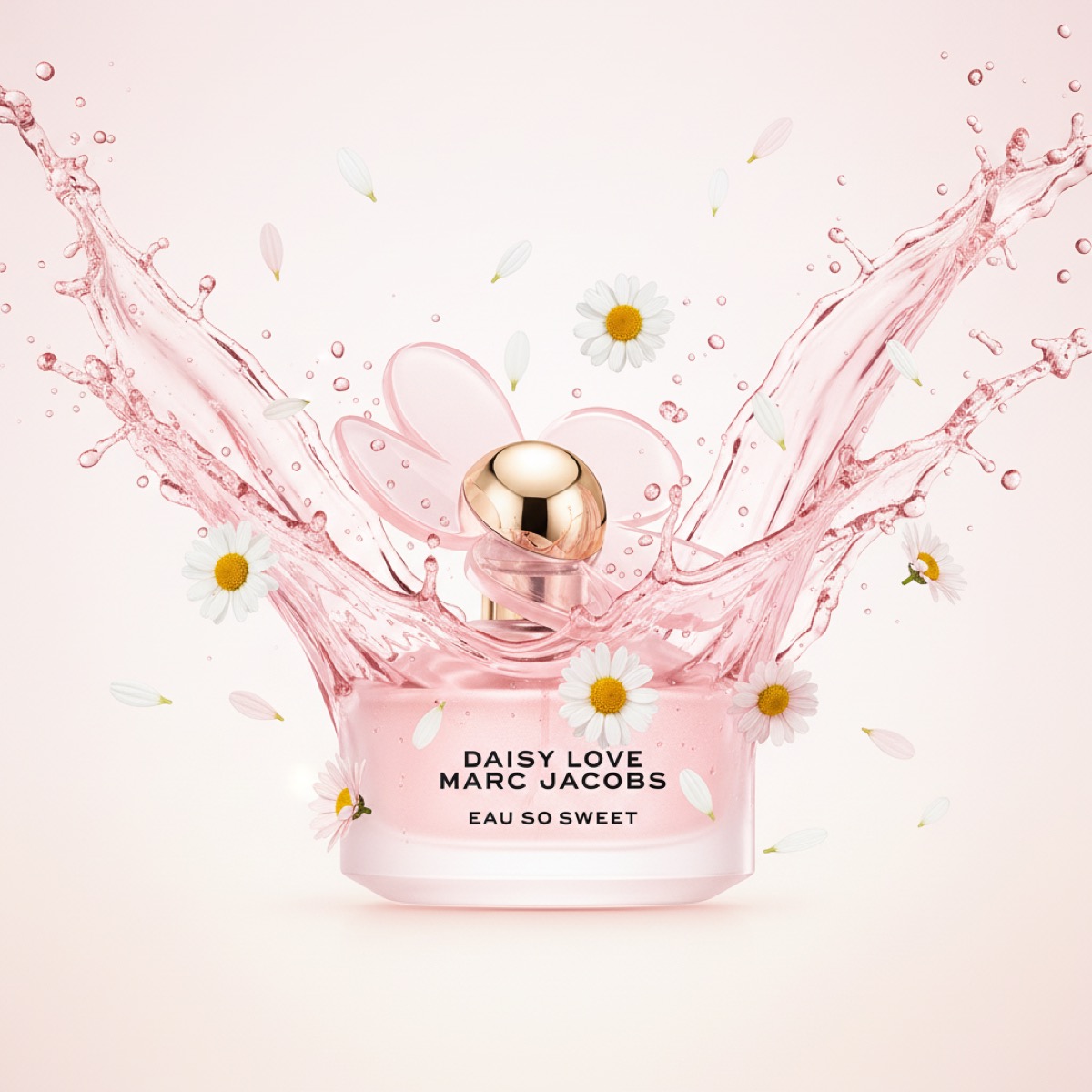
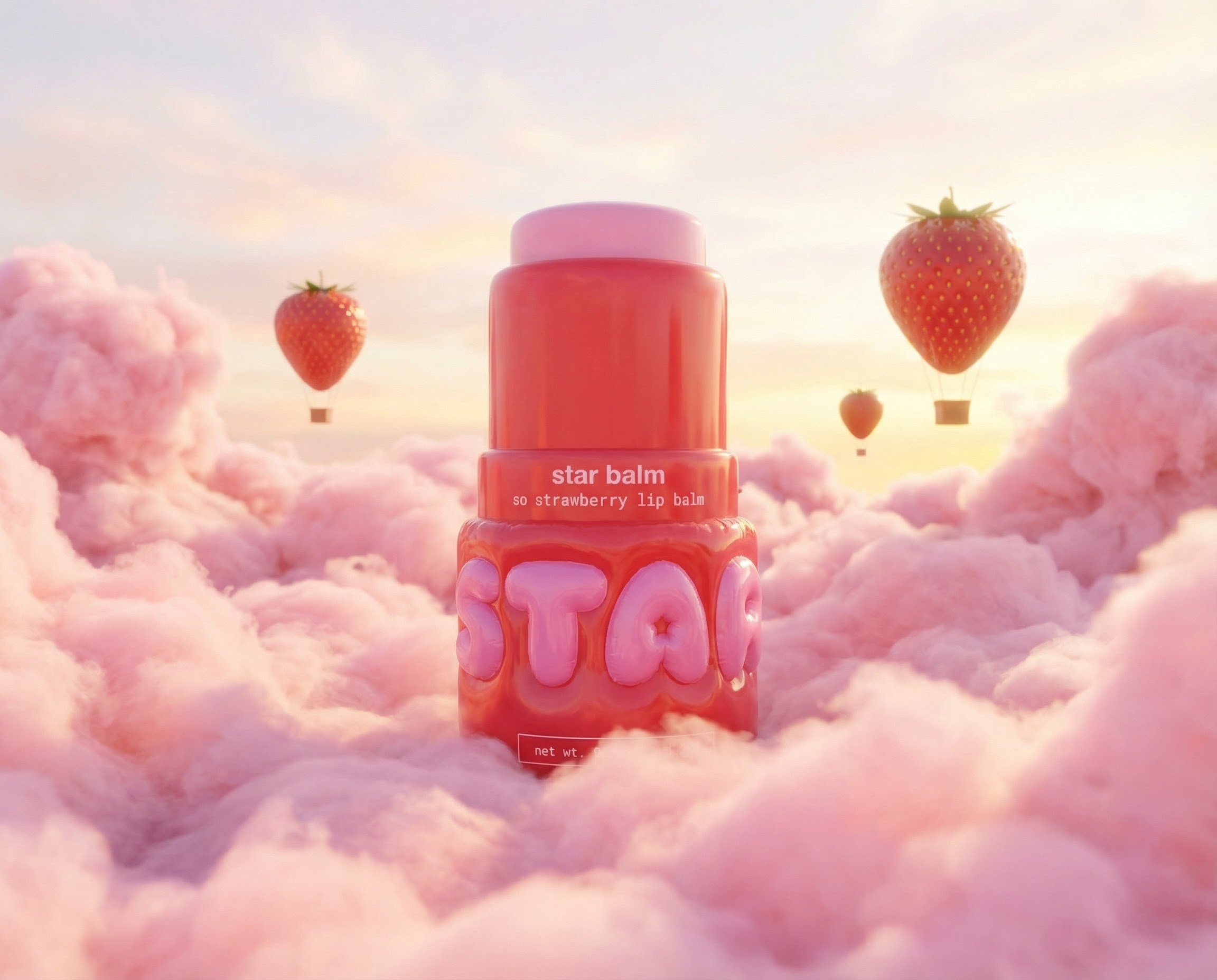
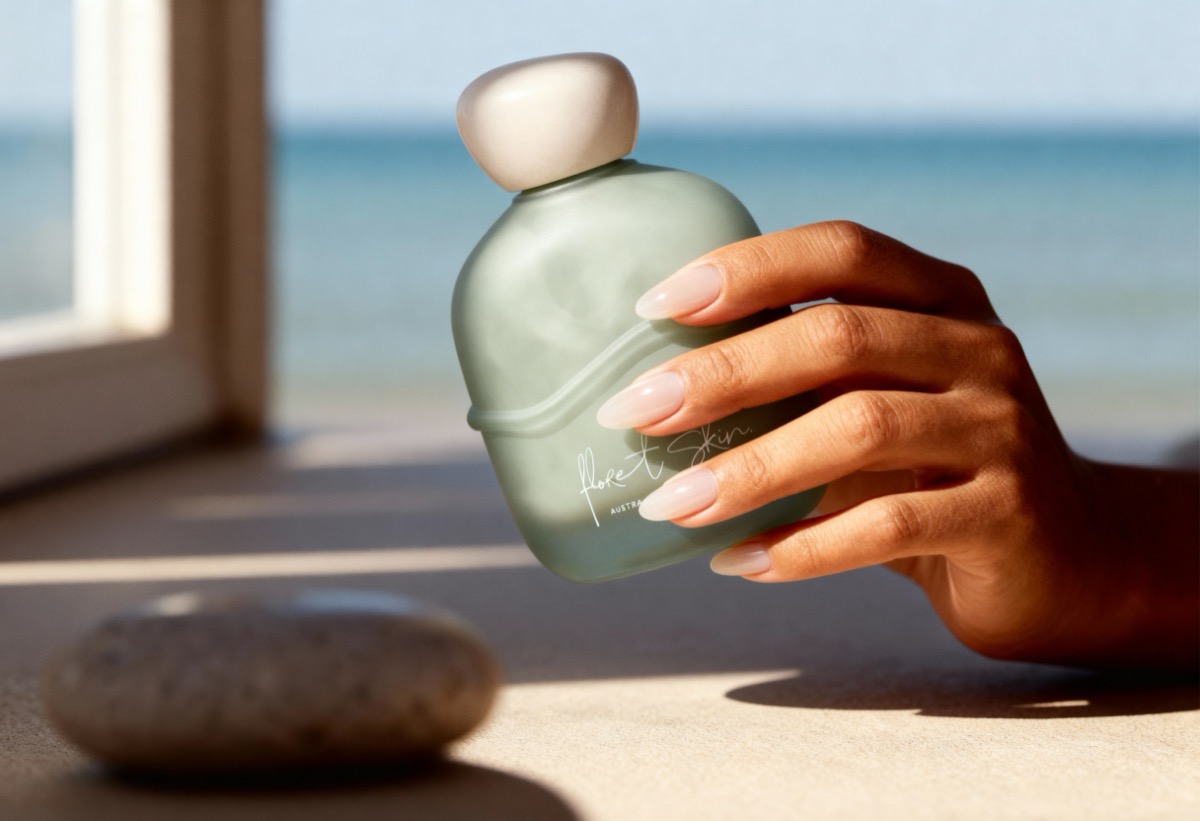
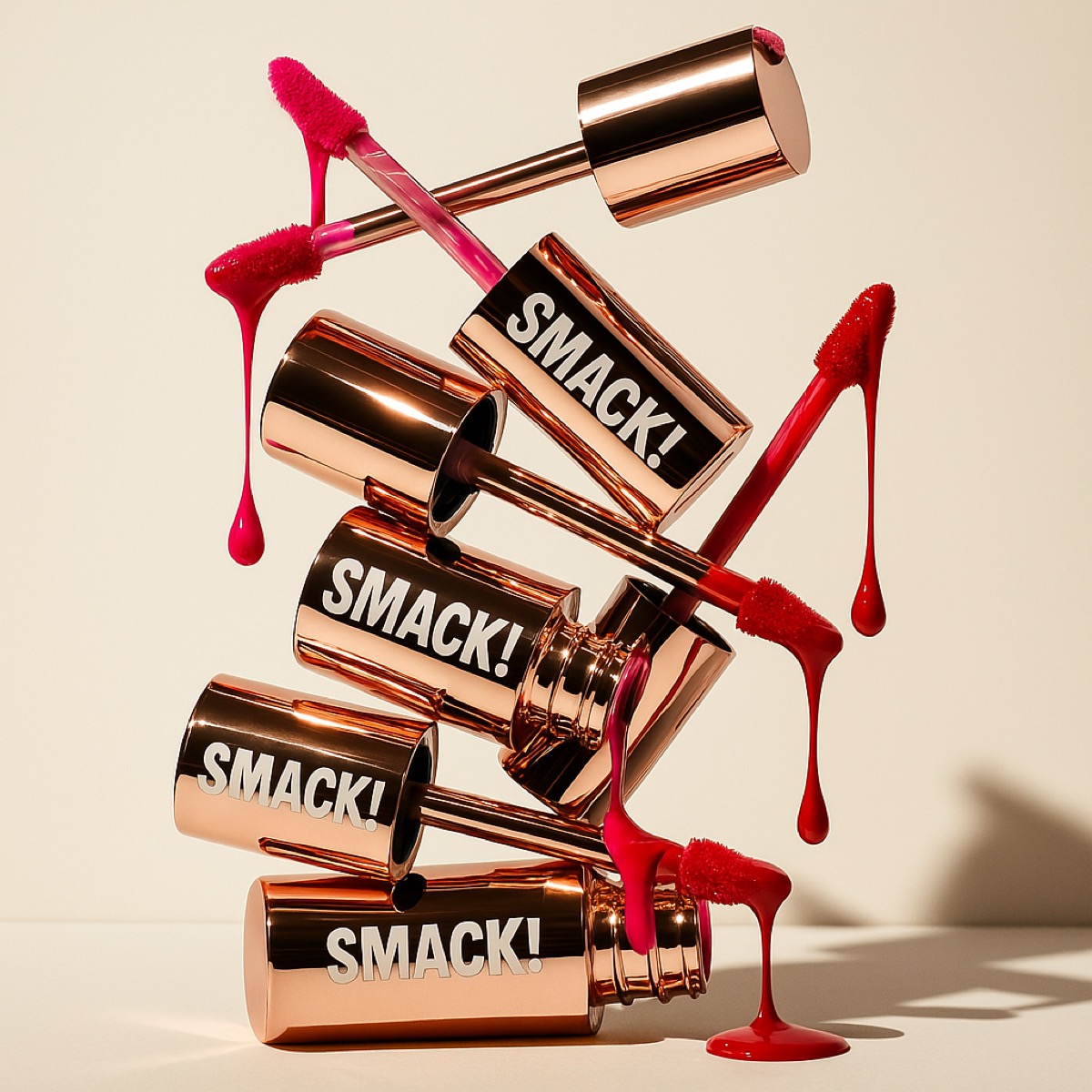
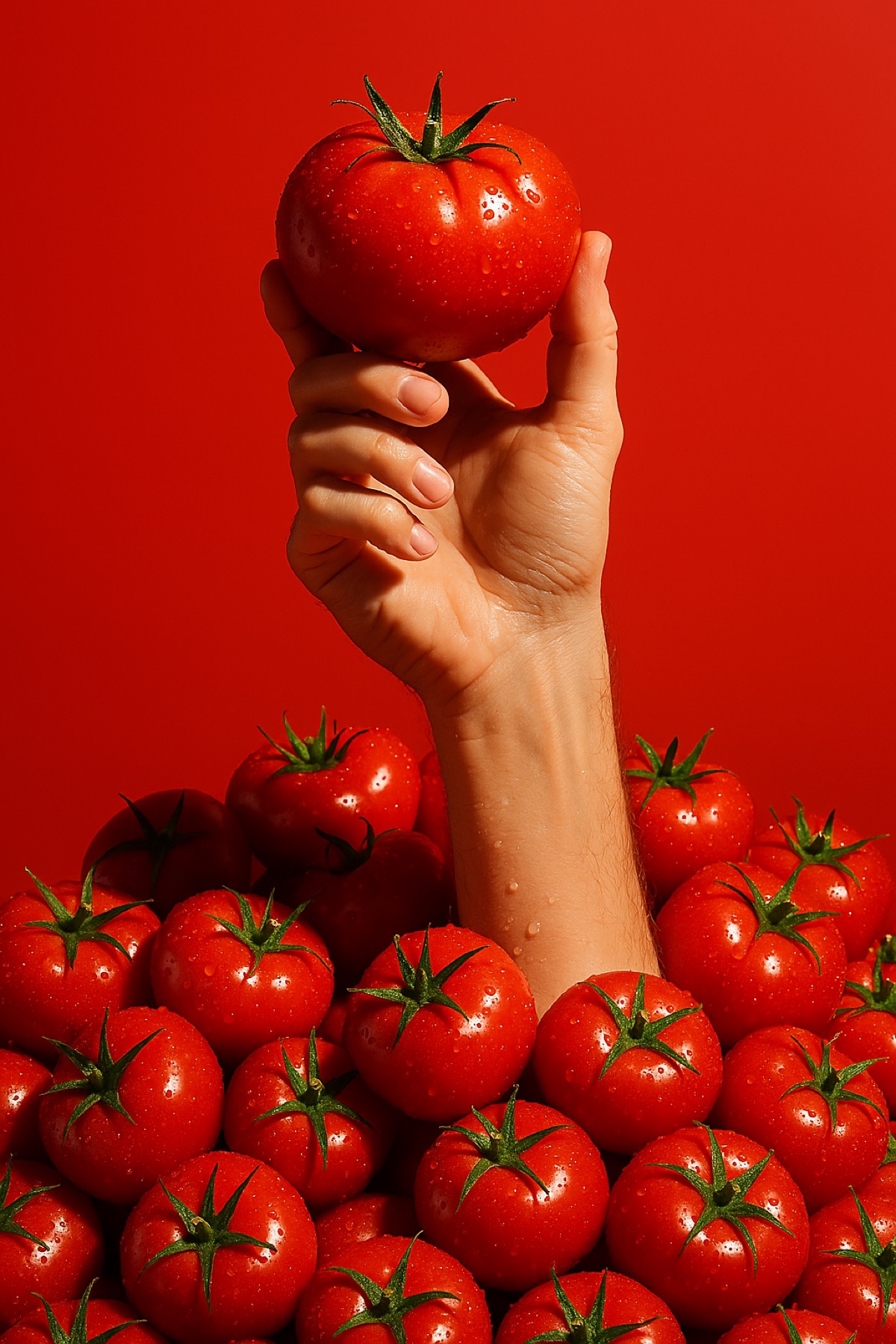
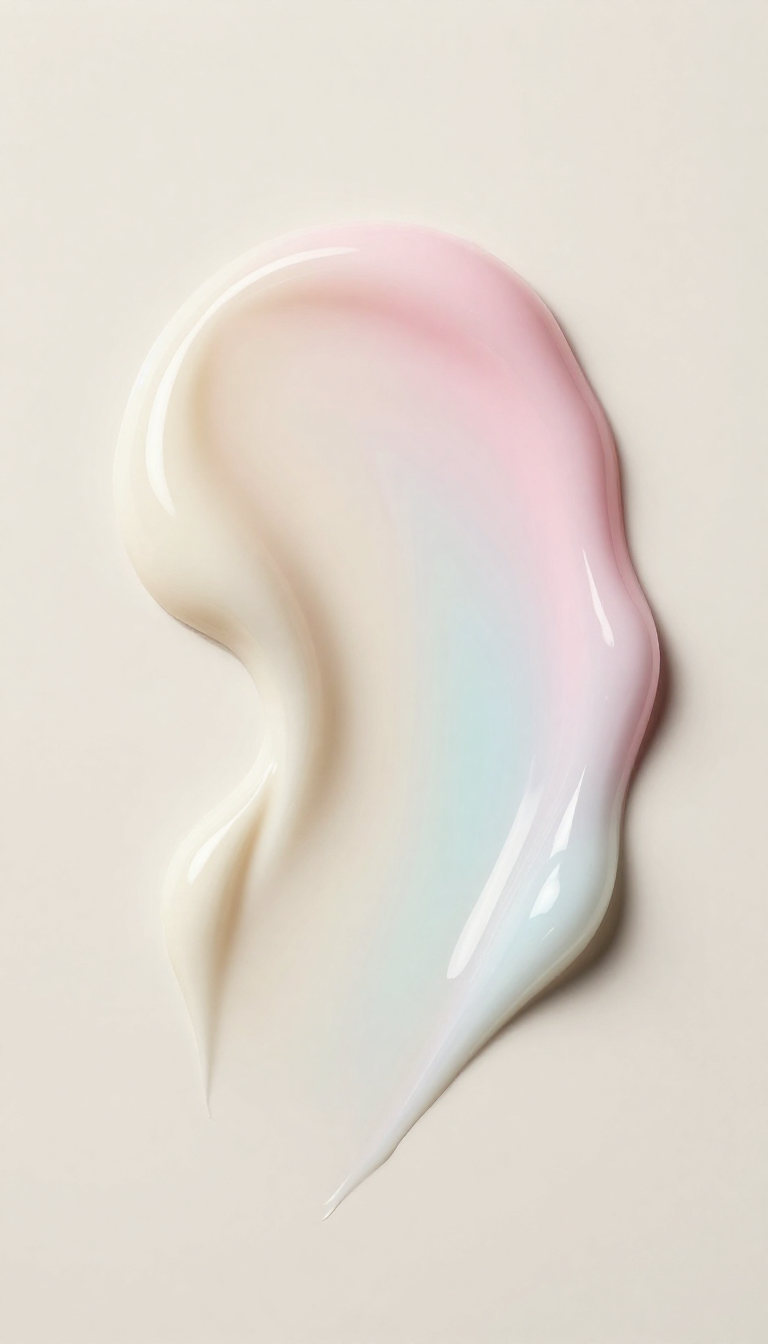
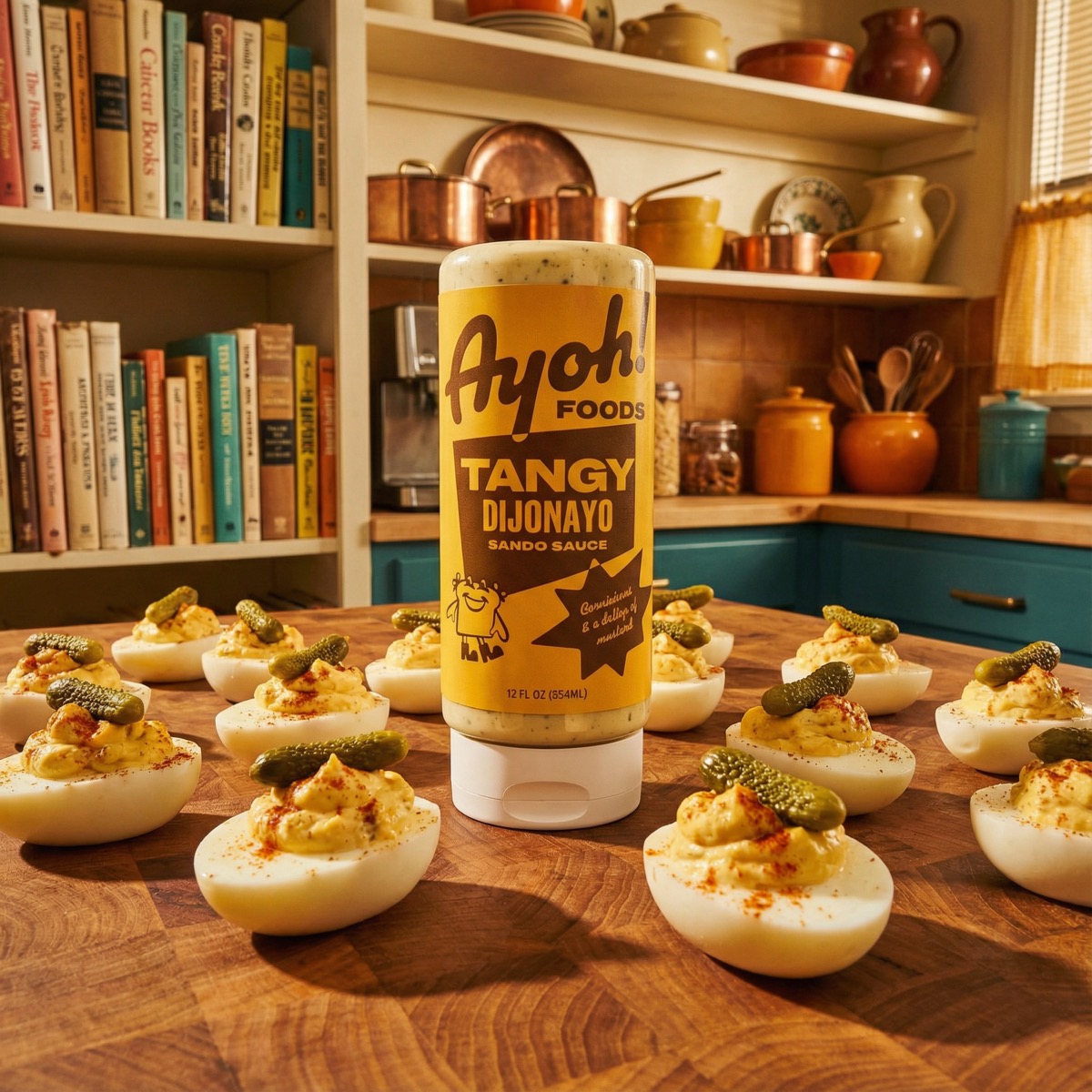
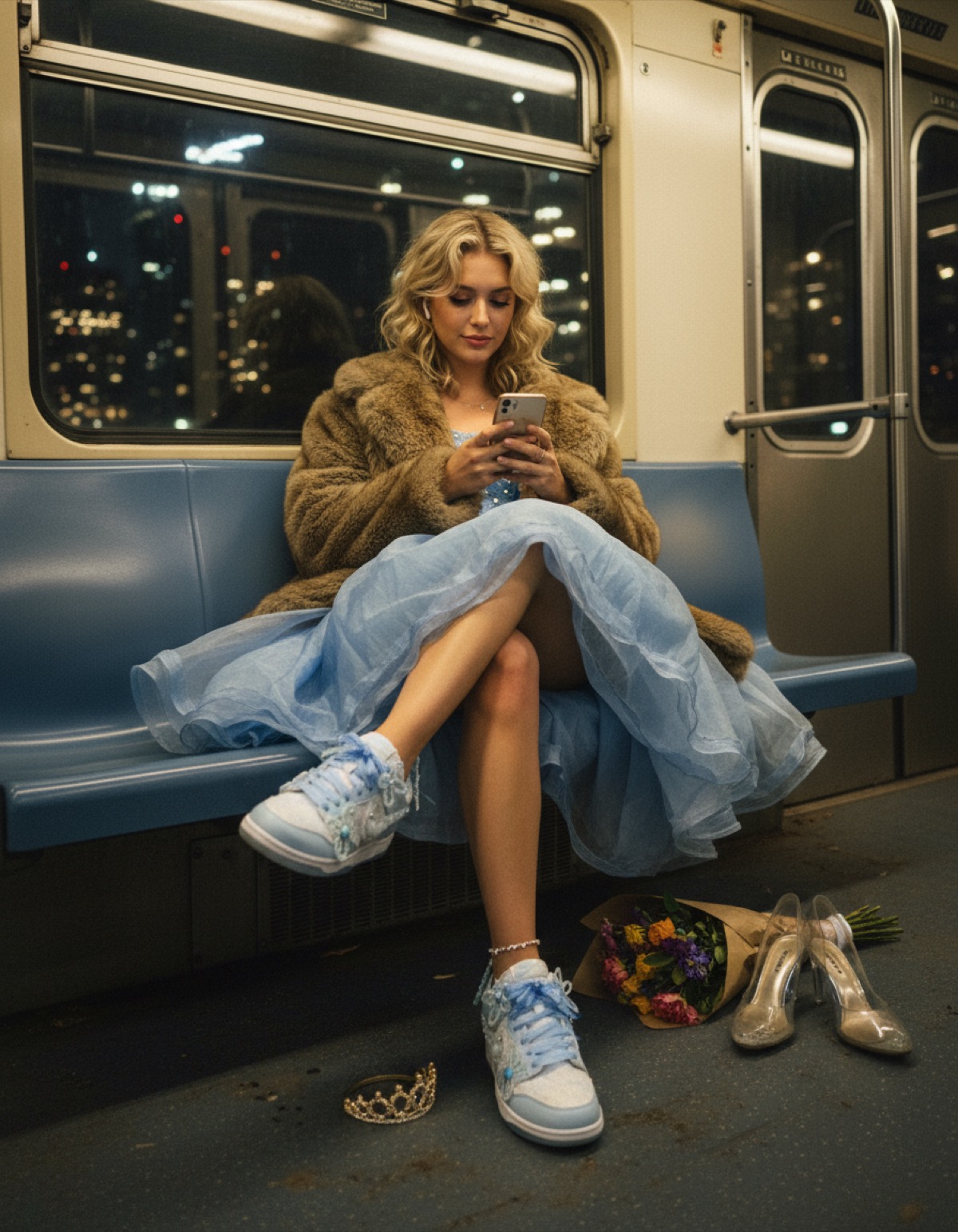
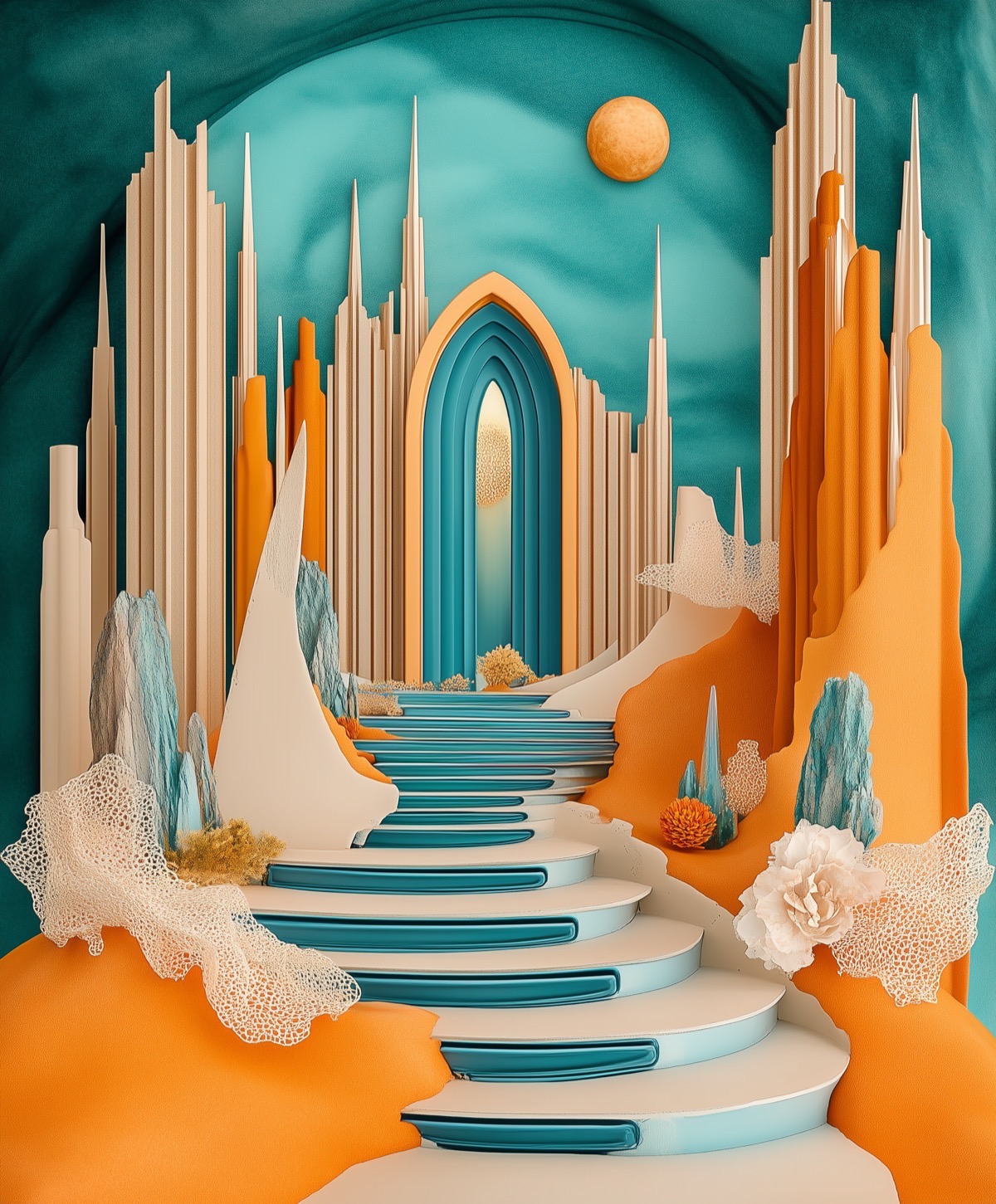
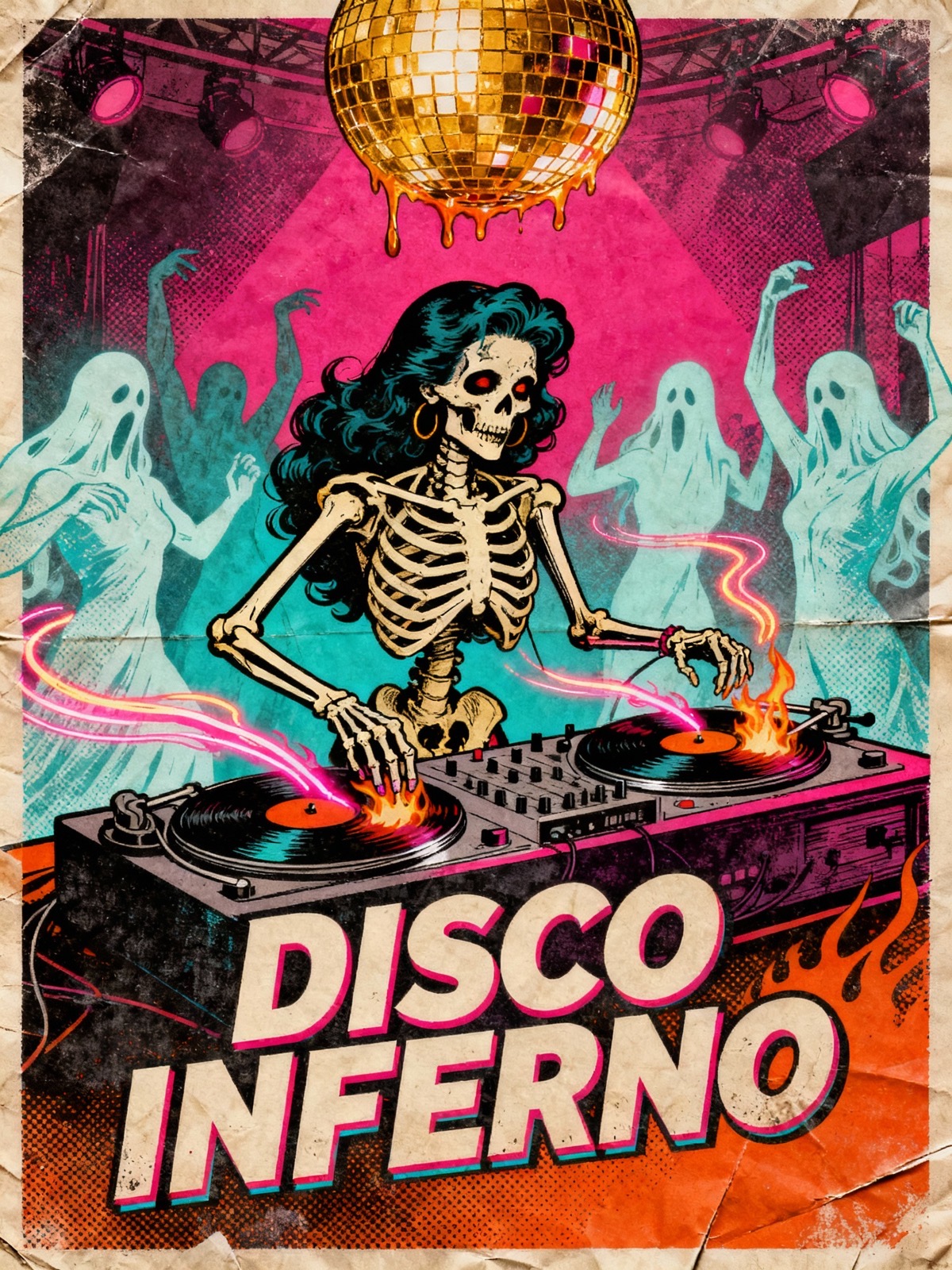
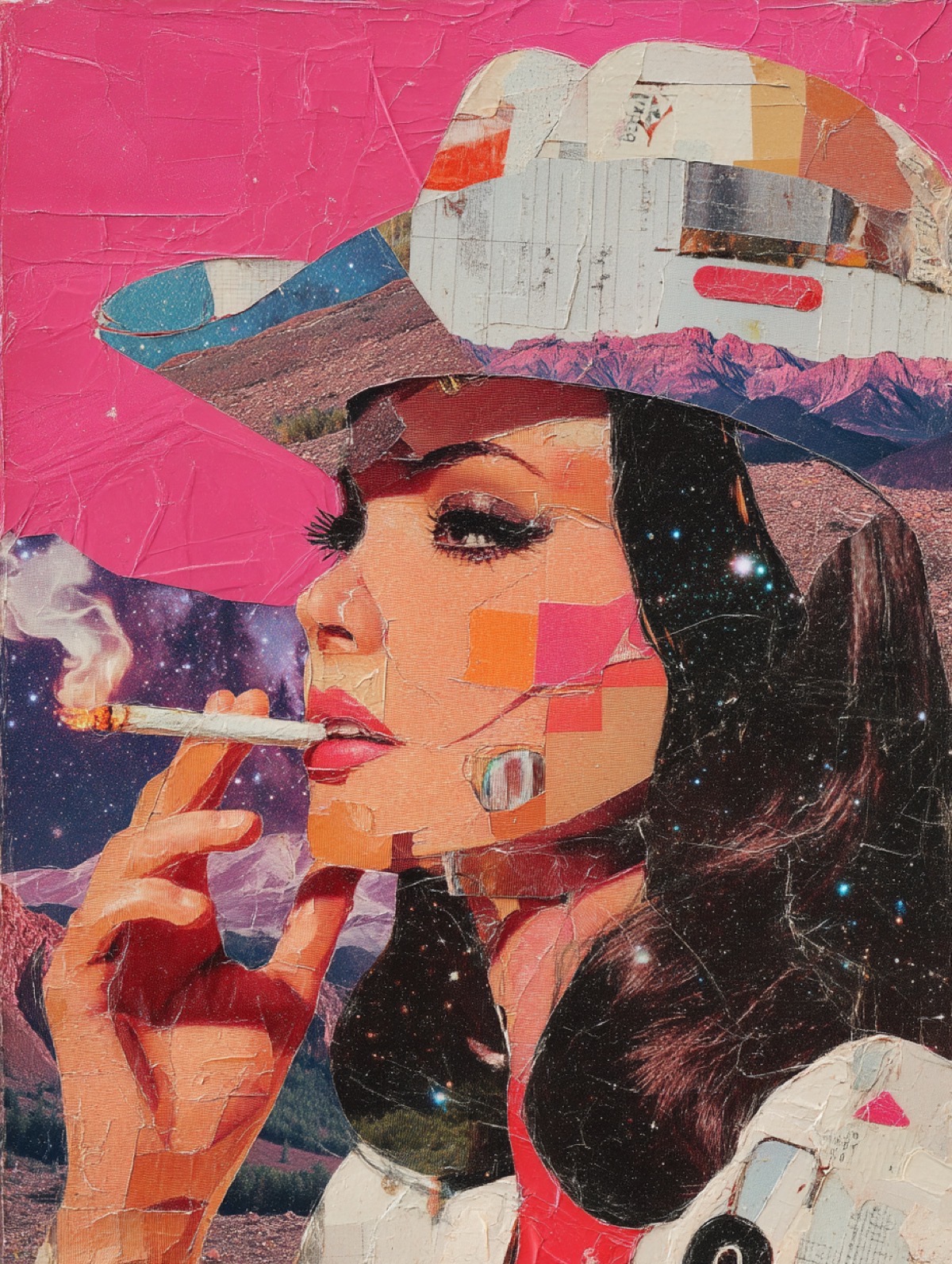
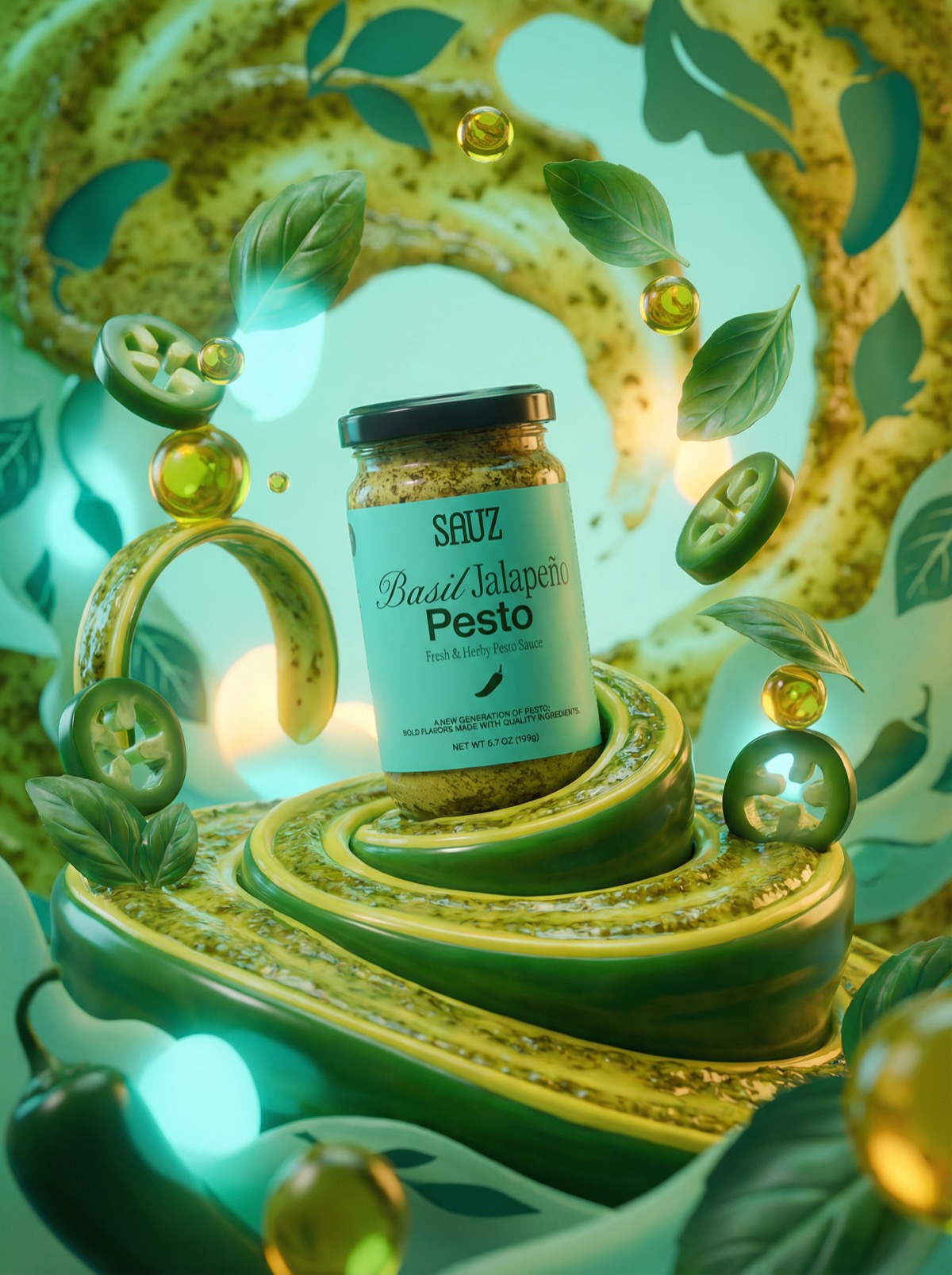
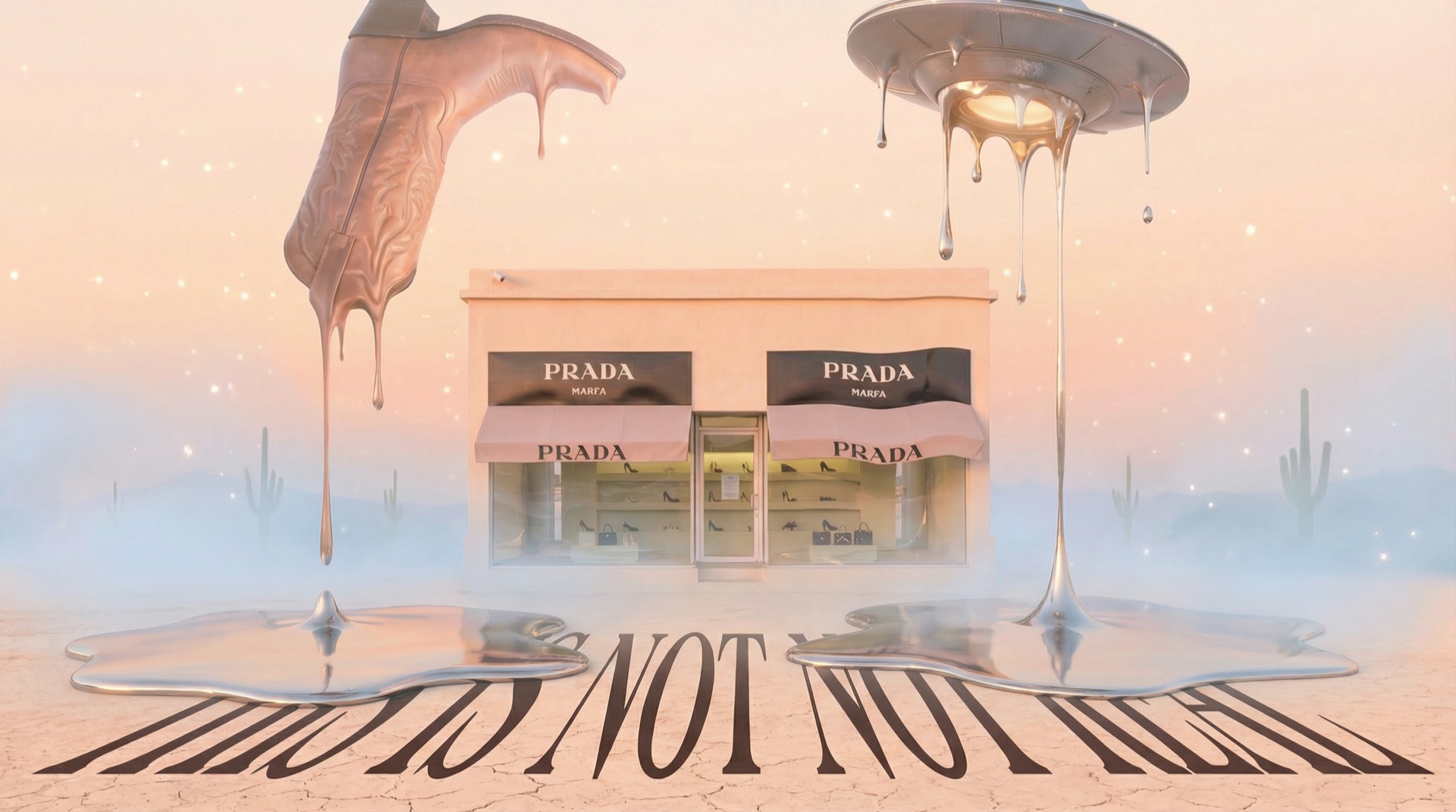
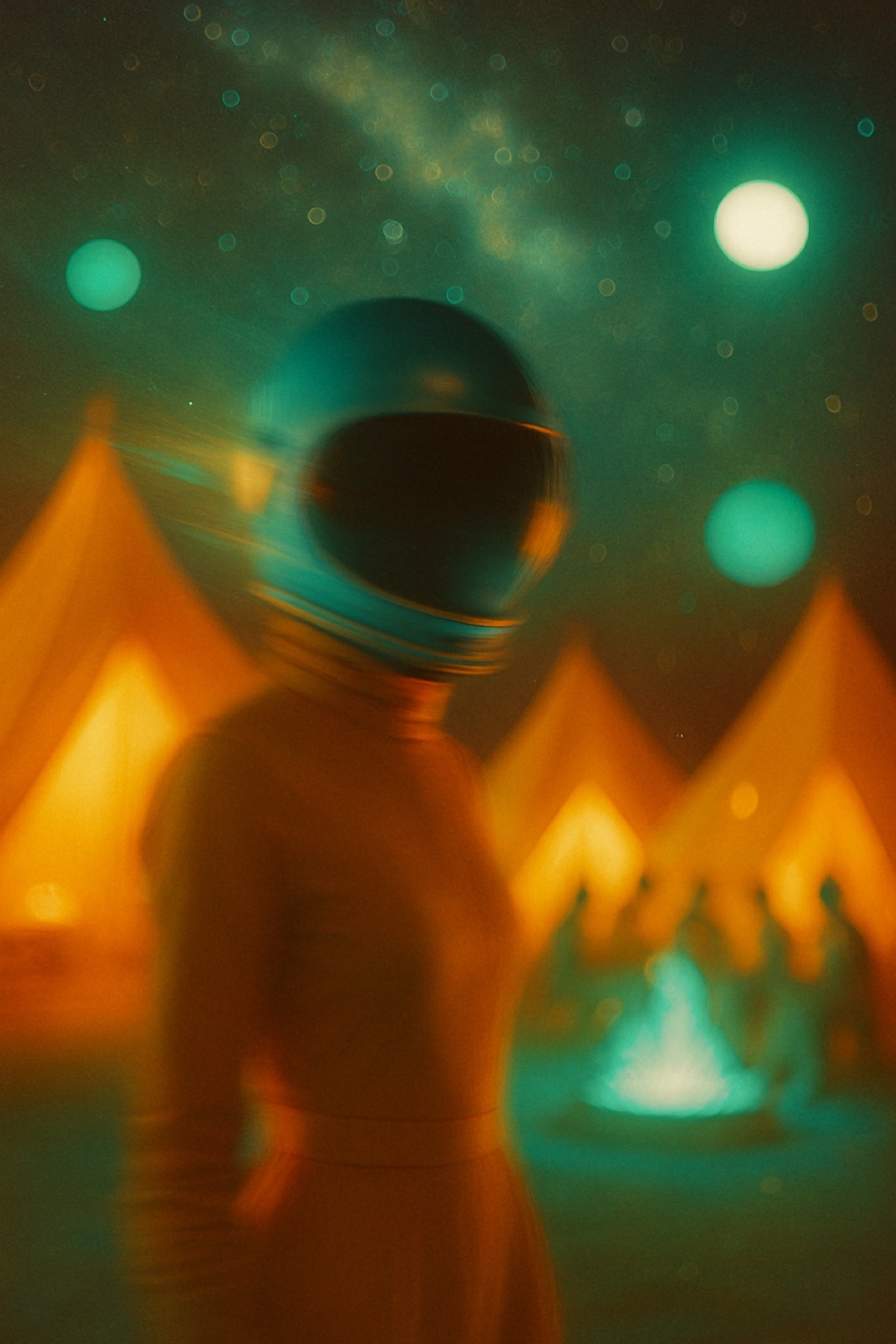
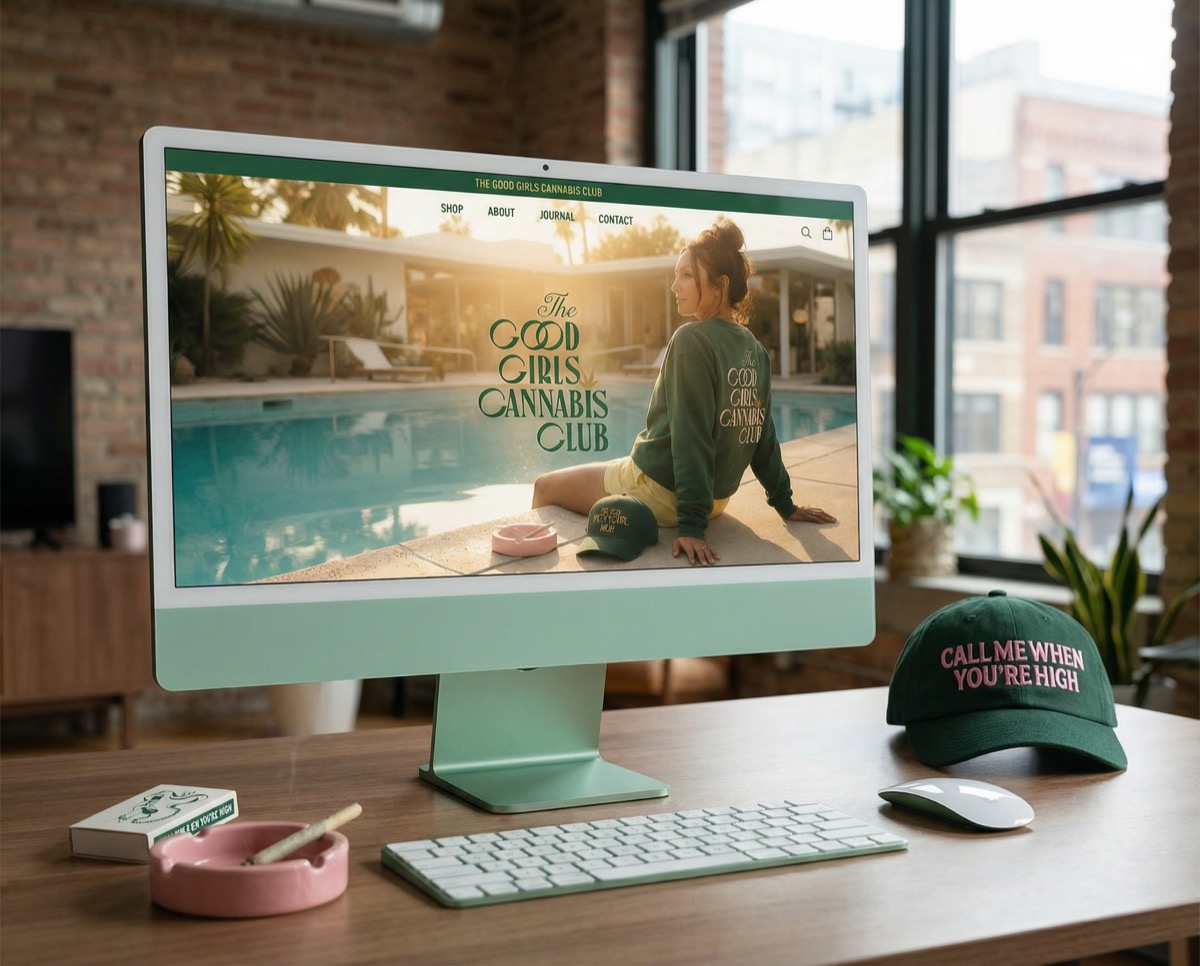
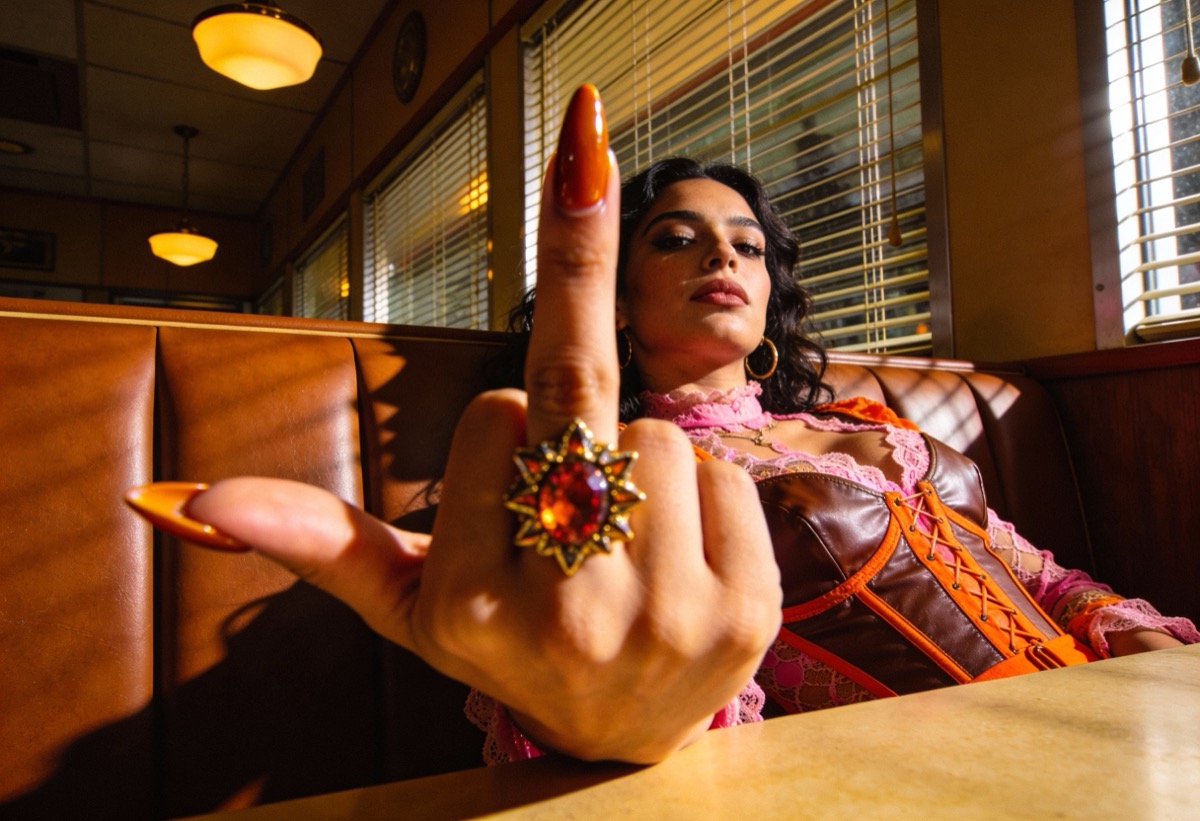
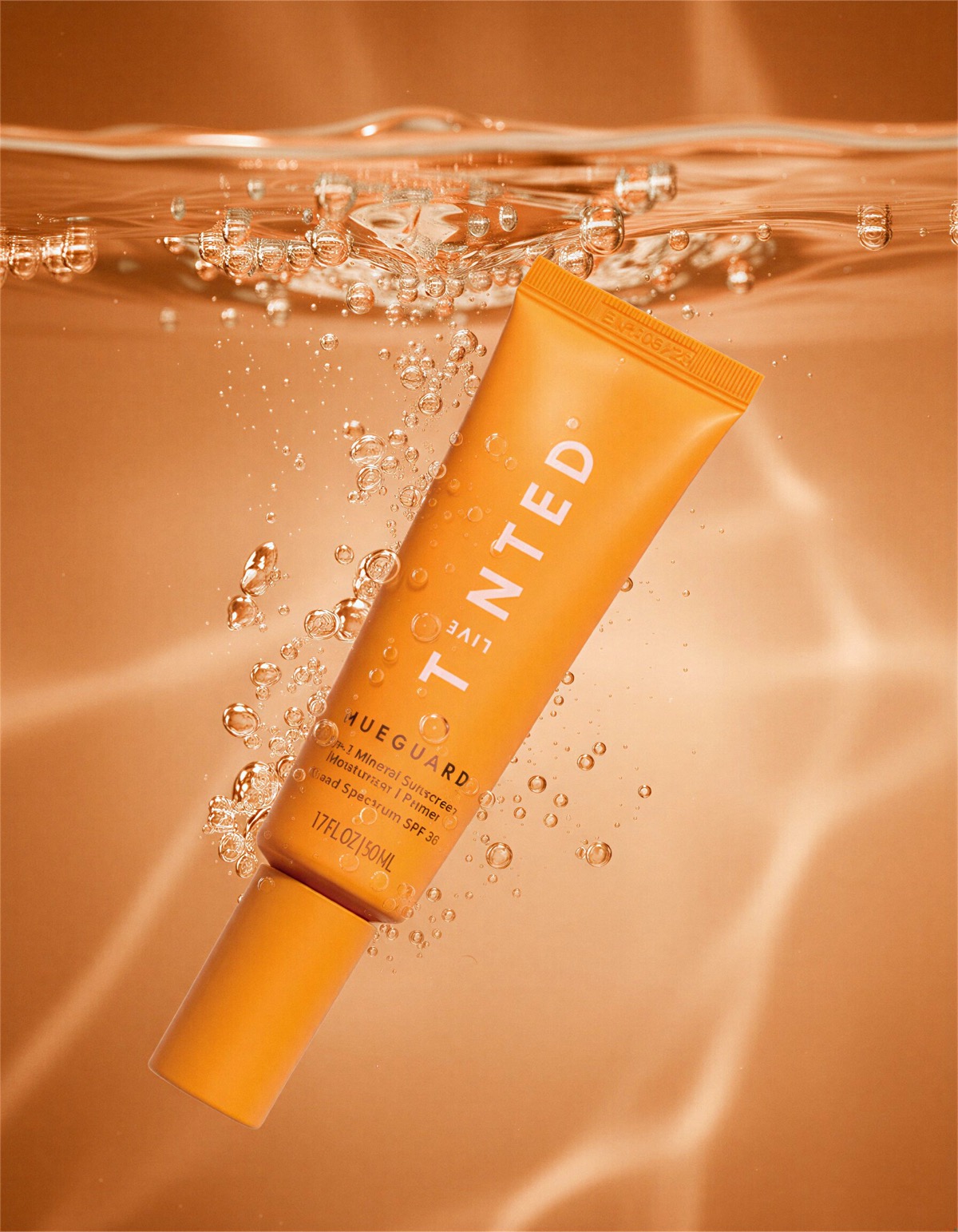
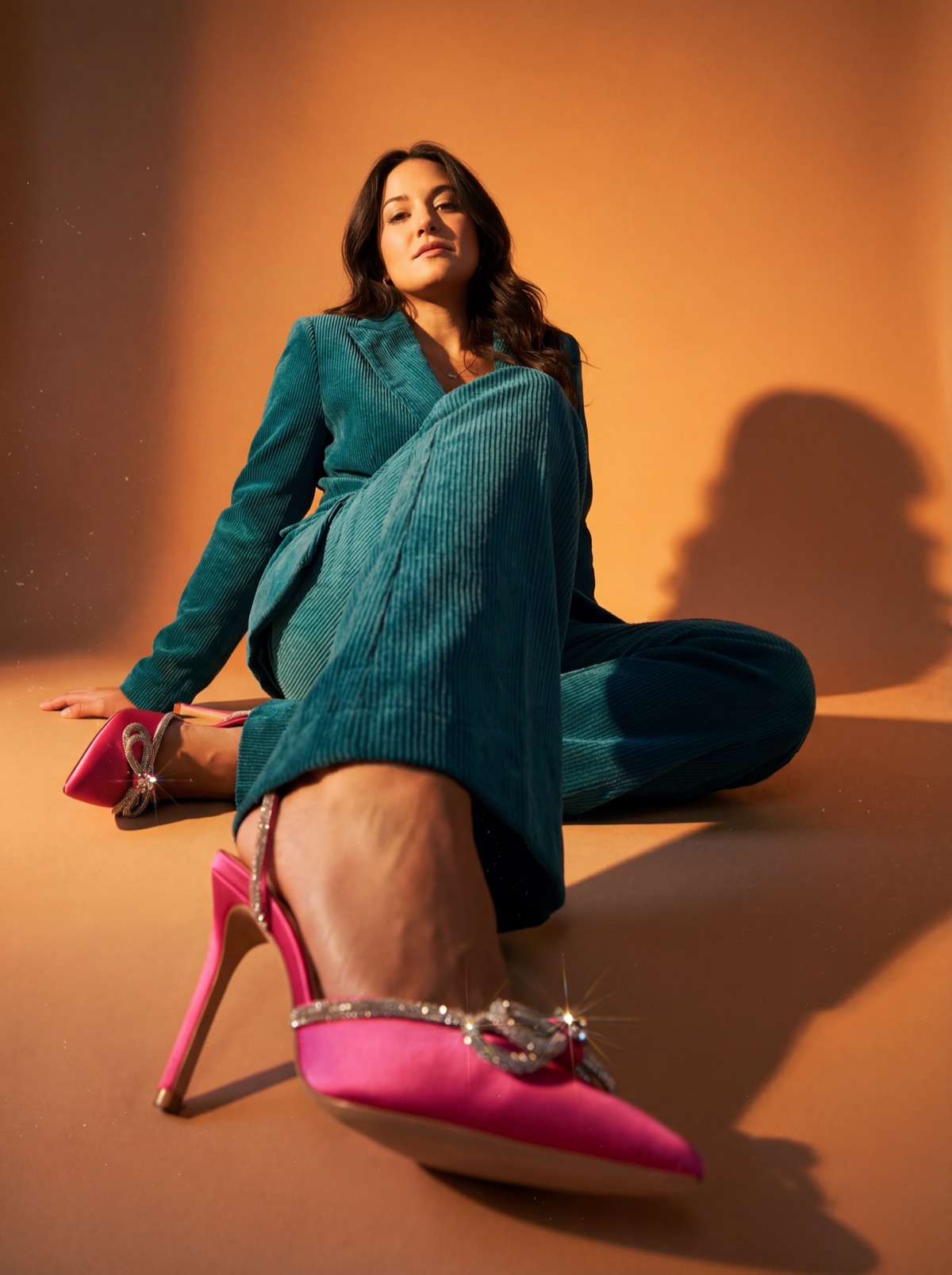
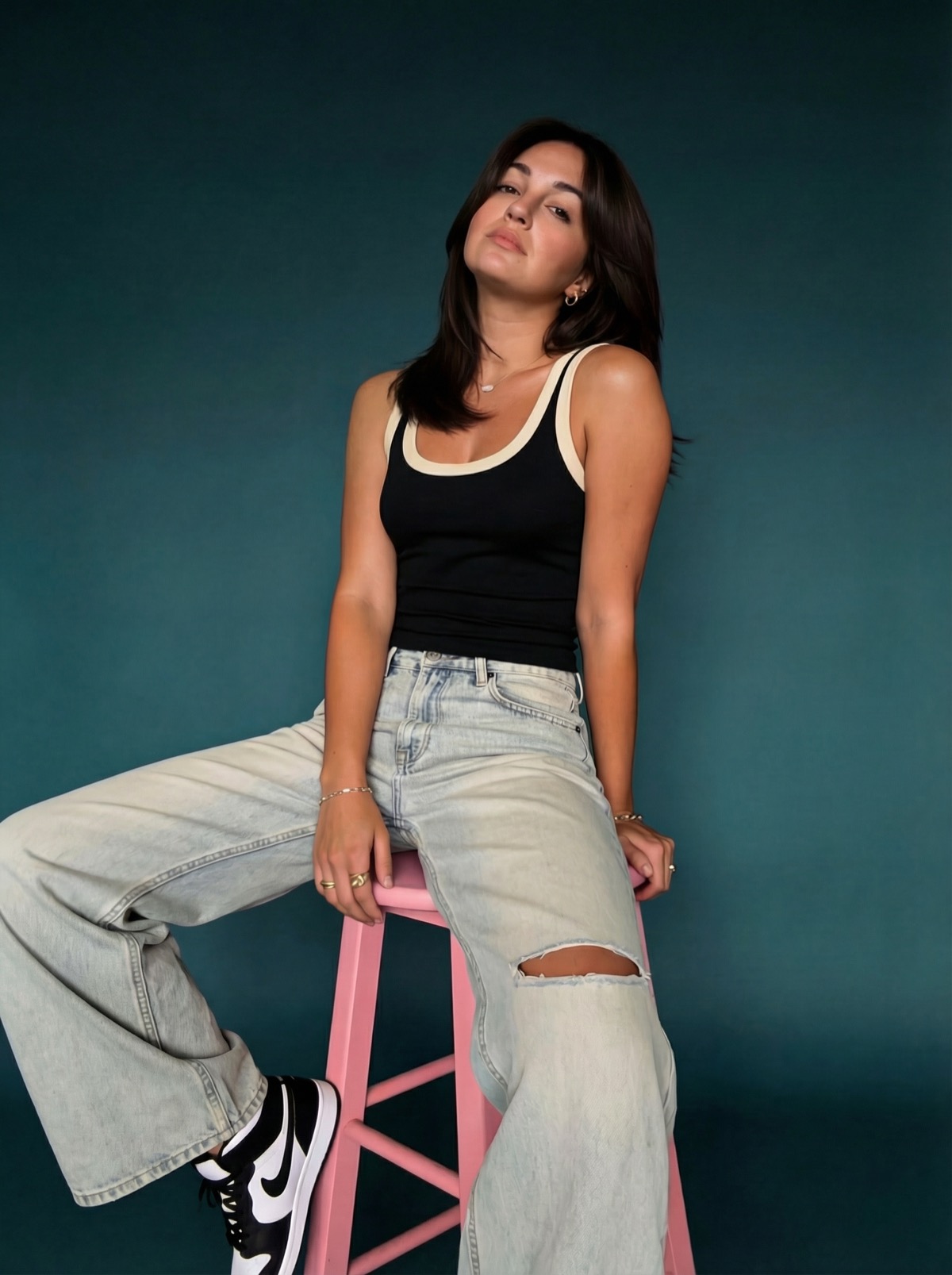
AI-generated surreal Prada editorial
Scroll
A course by Your AI Auntie, Lauren deVane

Your taste finally has a production budget.

Foundations of Fauxtography is the AI image course for creative pros who already have taste and are done begging for budget to prove it.
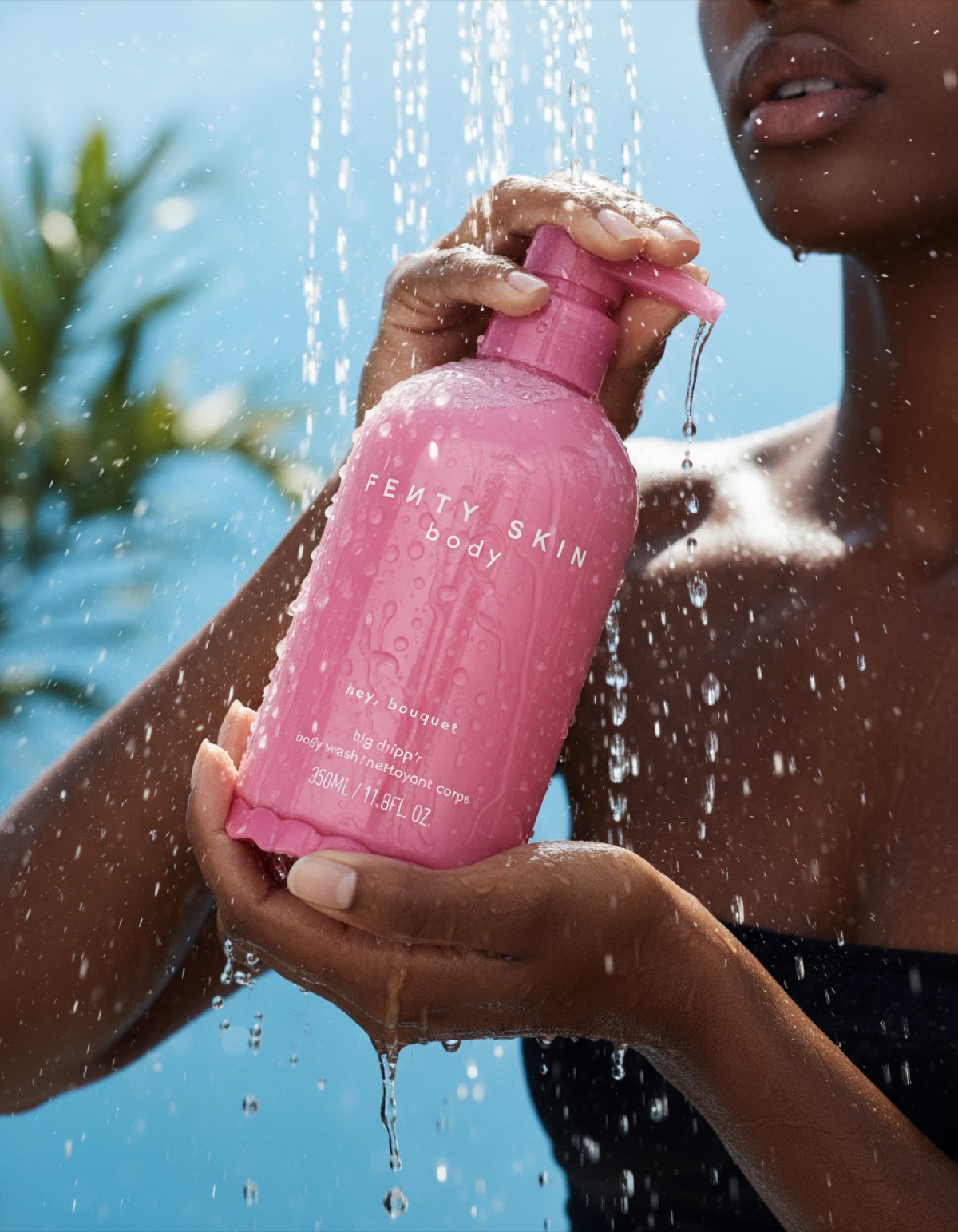
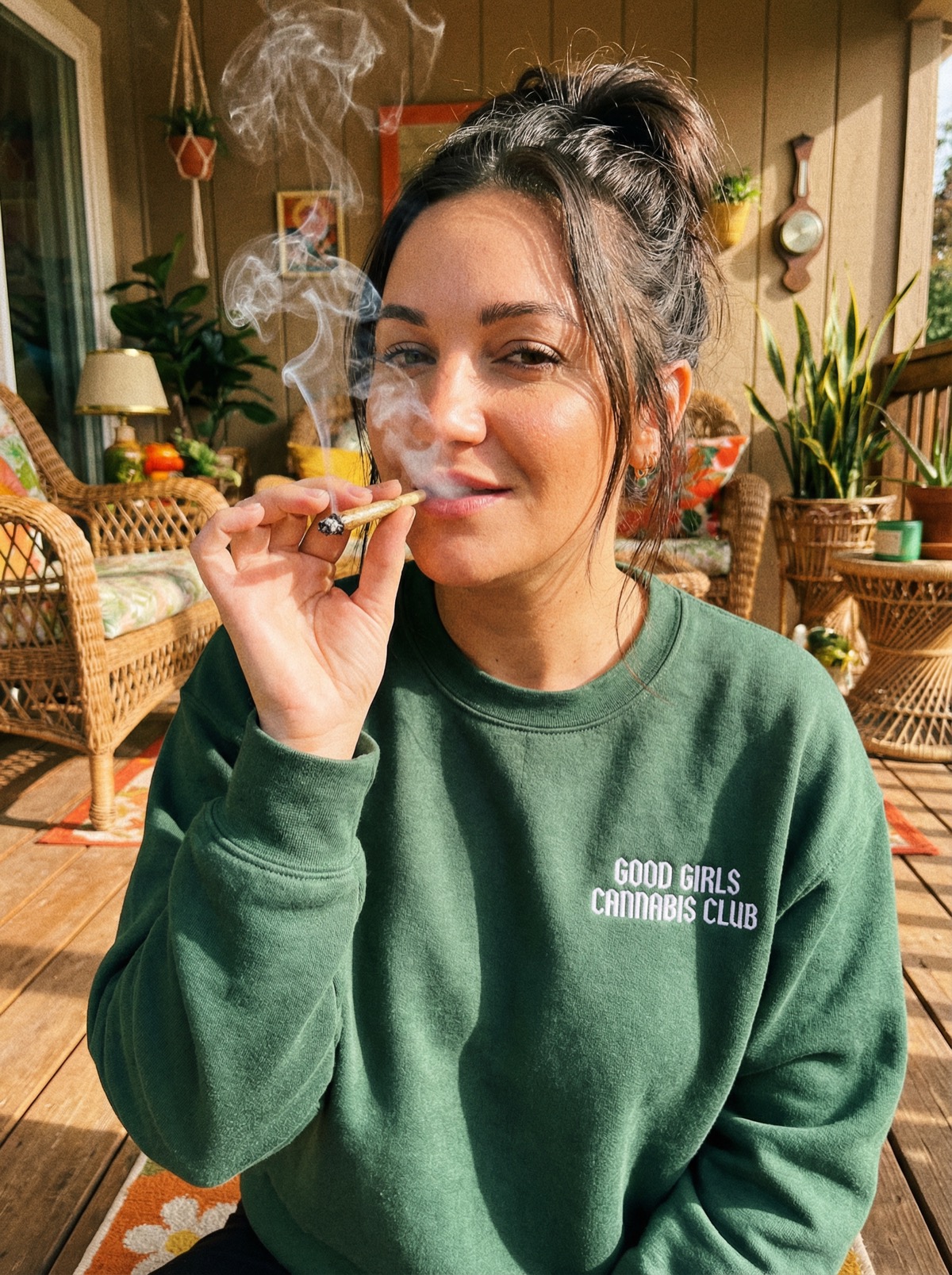
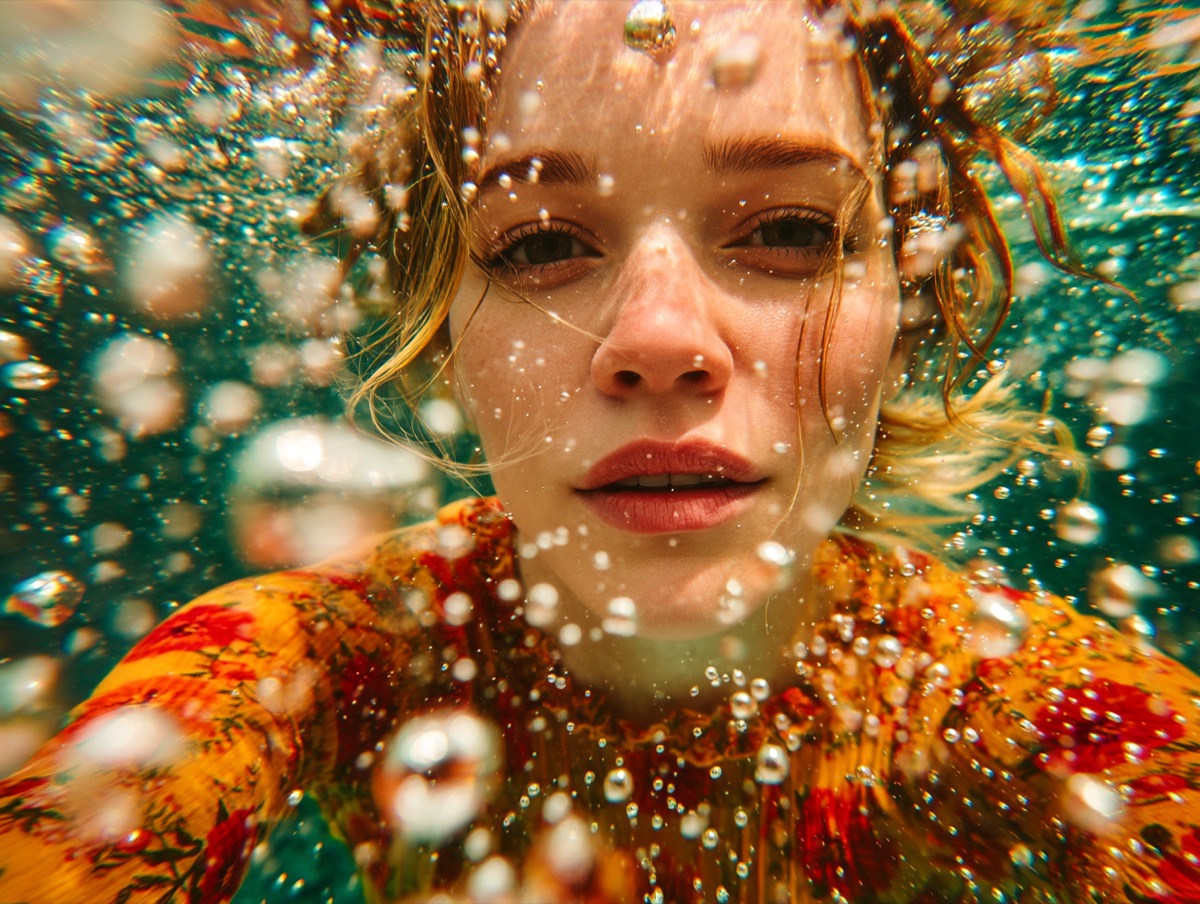
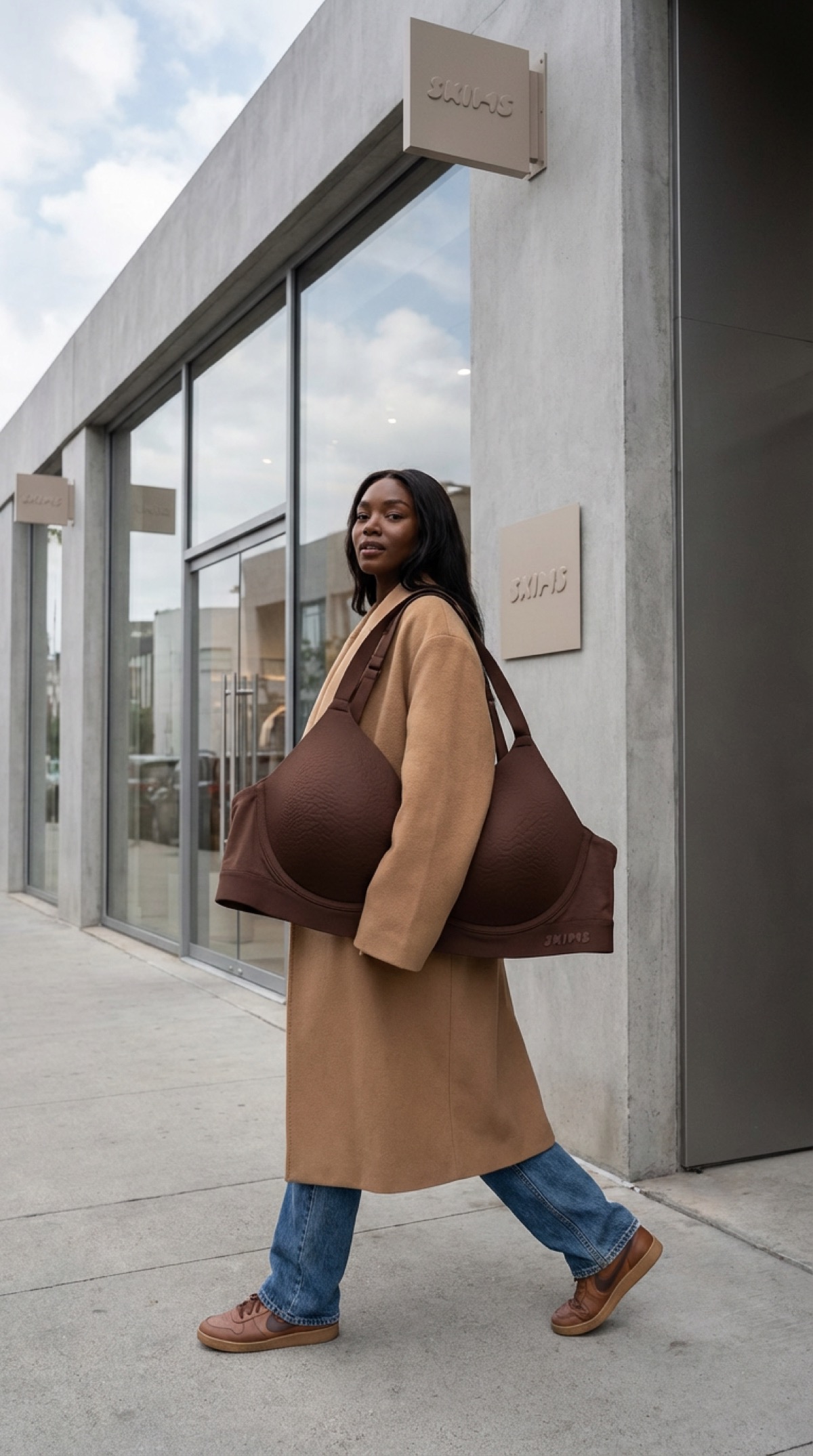
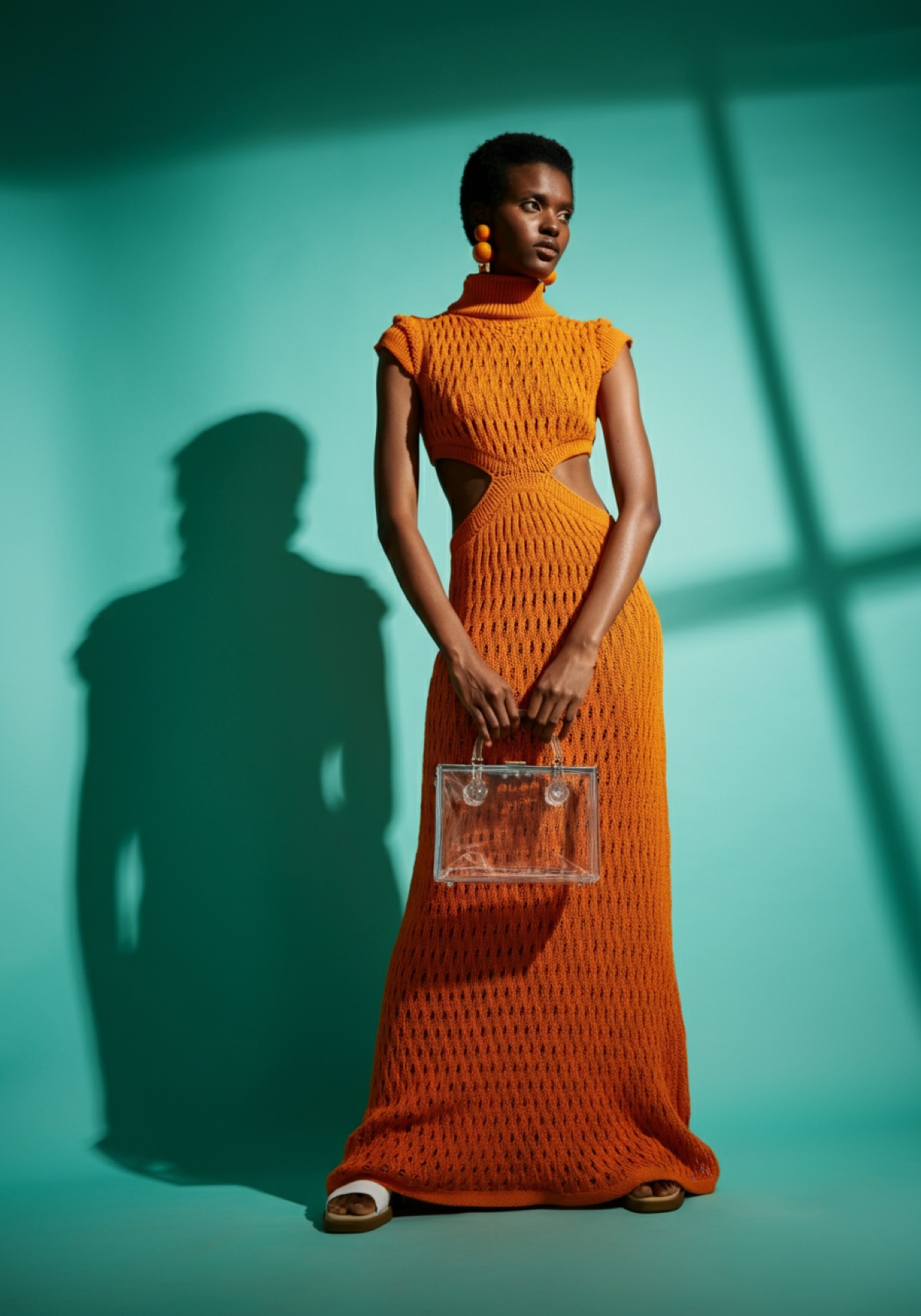
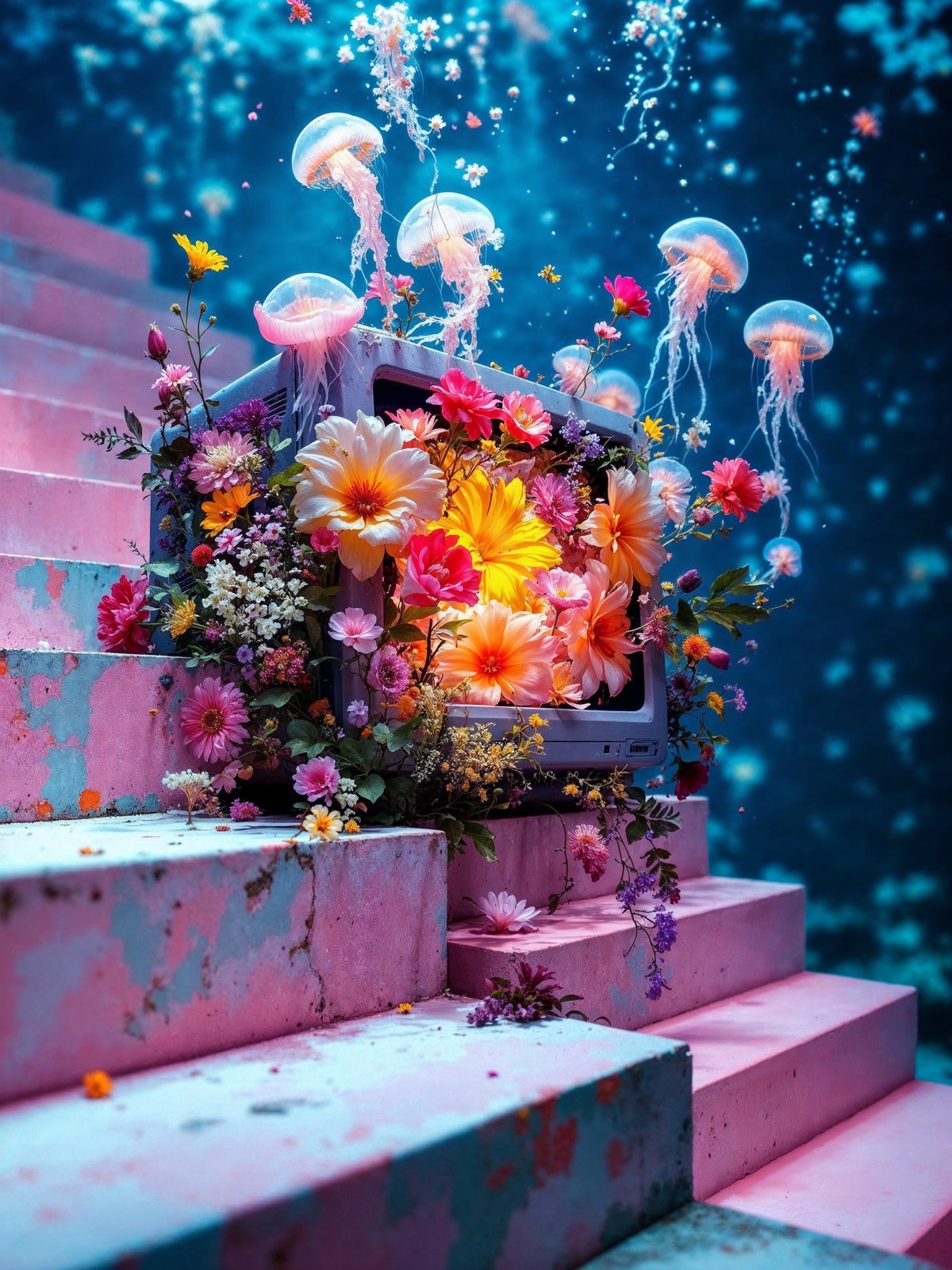
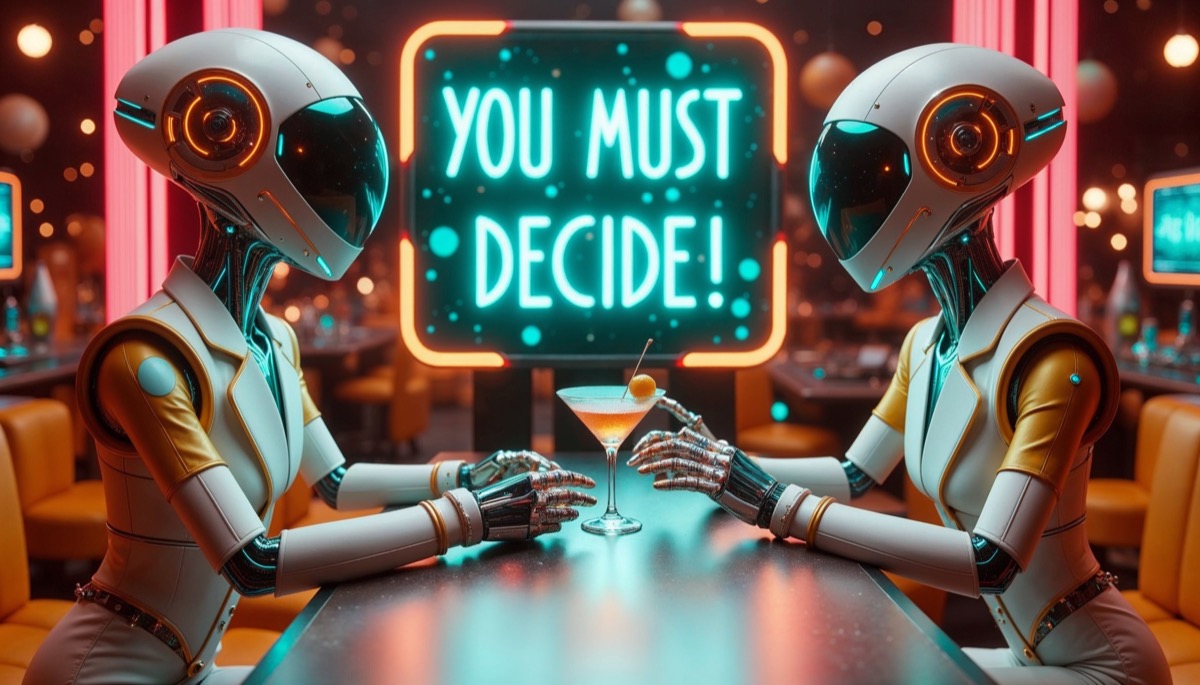
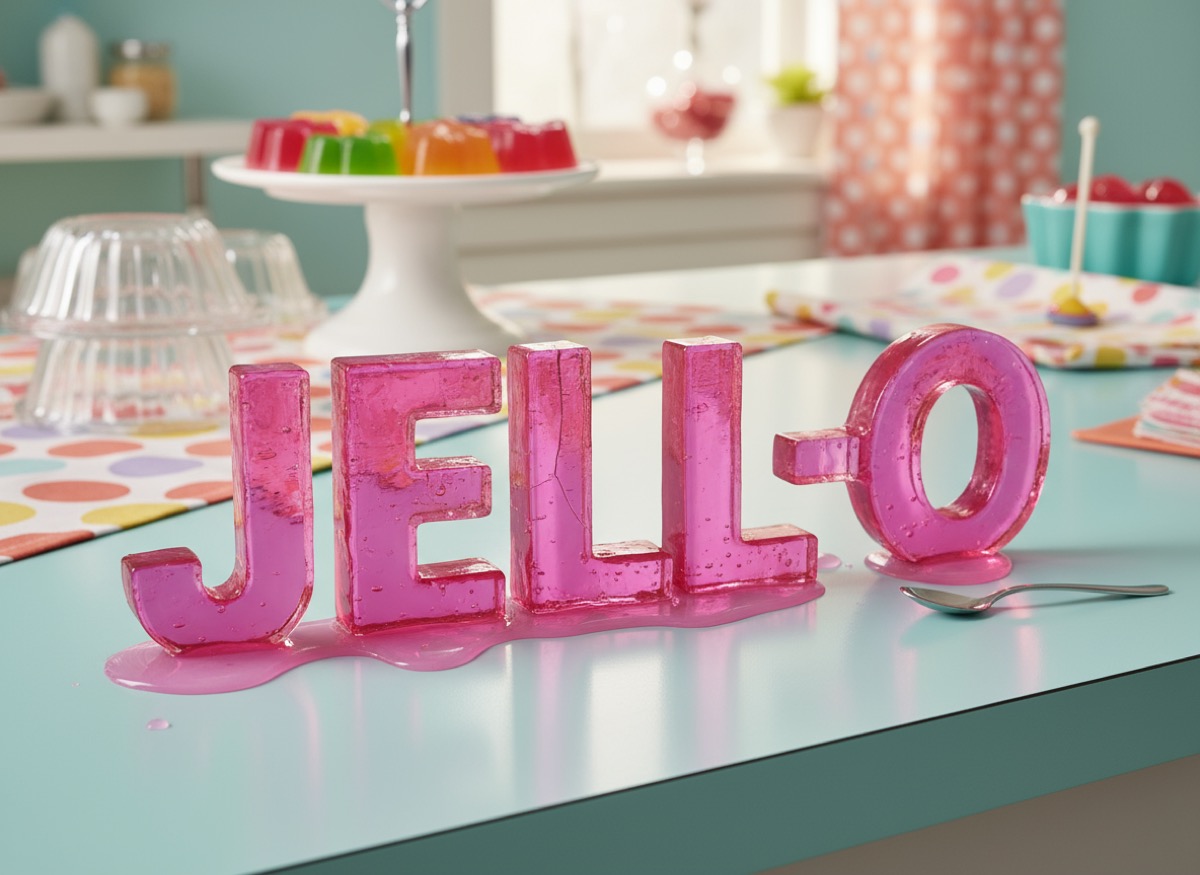
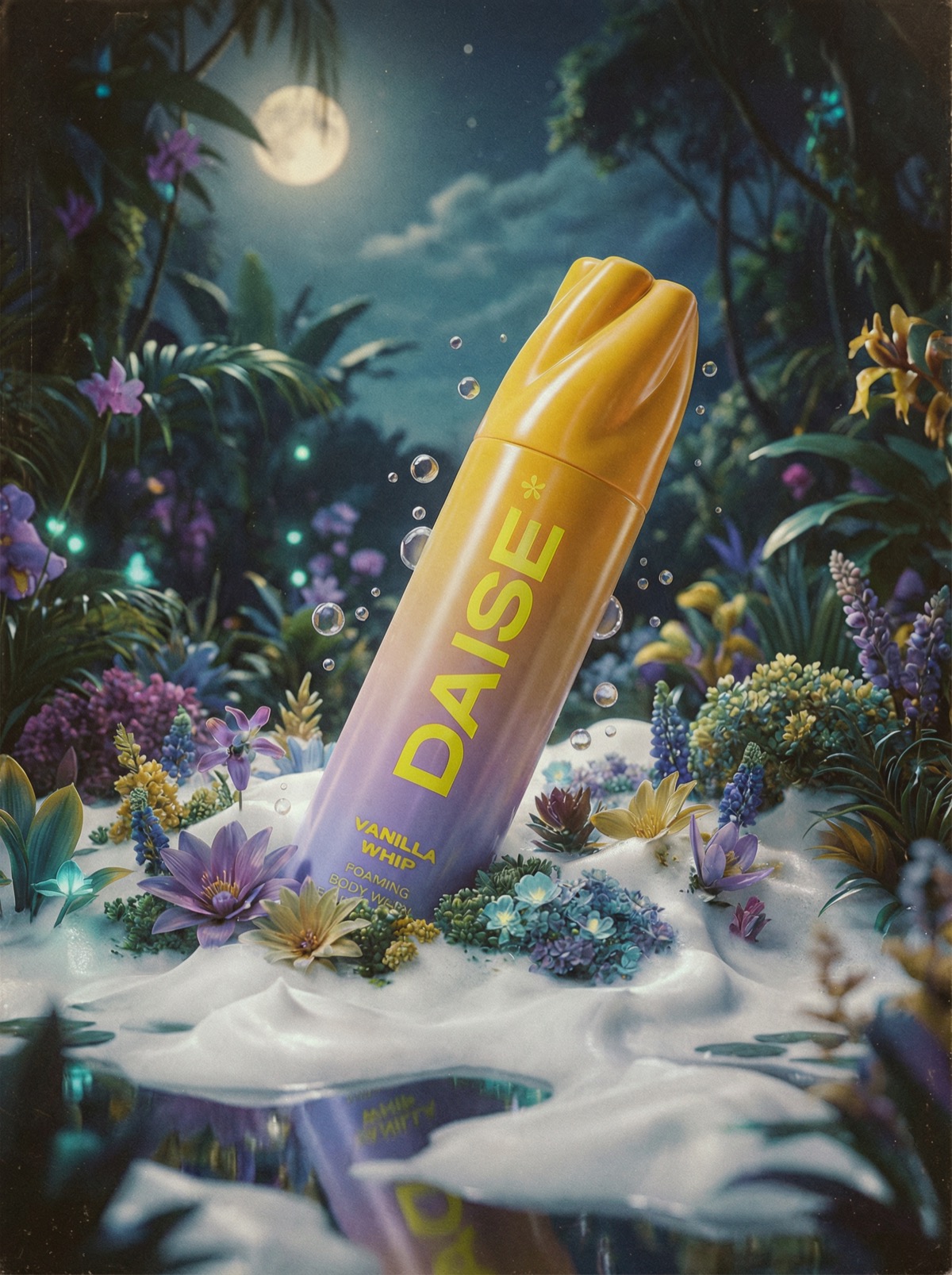
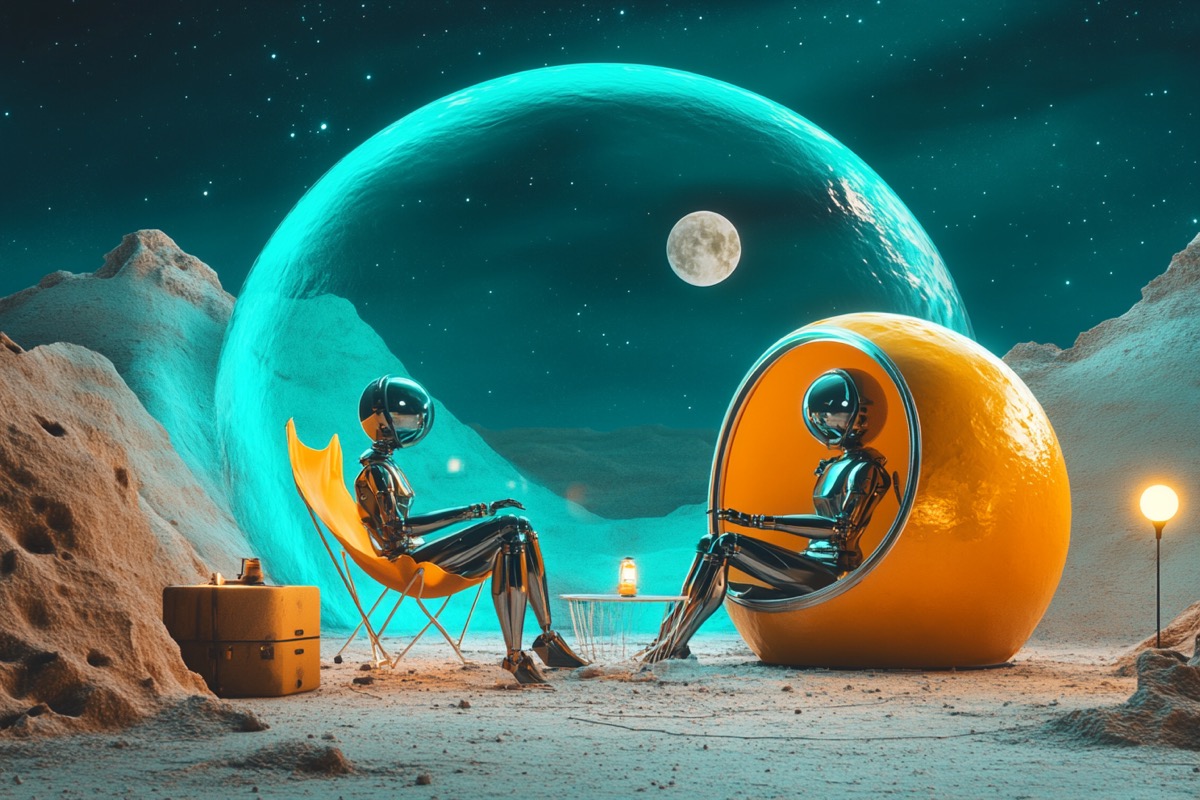
I made all of these …
from my couch.

Click around & drag the photos to discover what kind of images you'll be able to create.

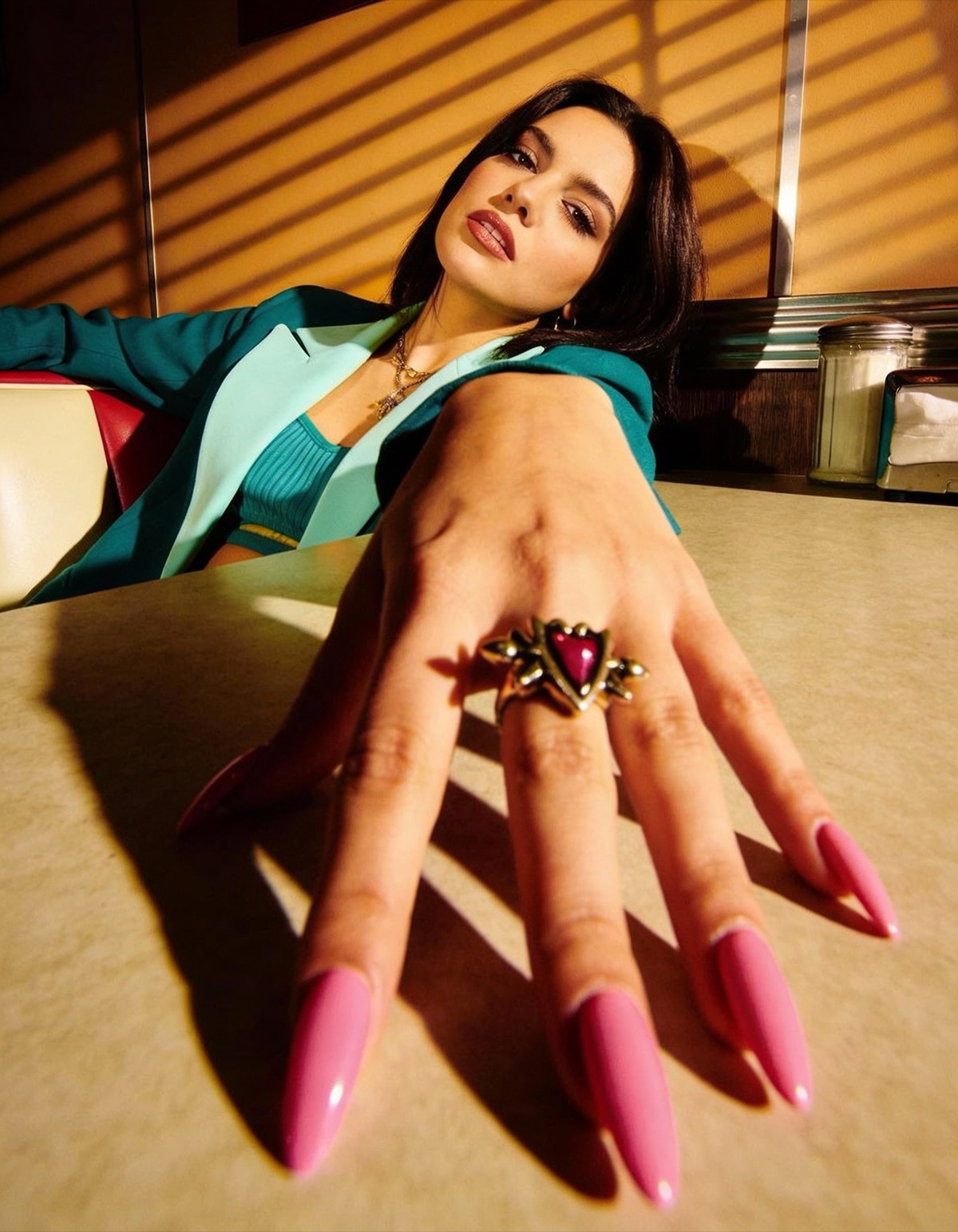
Beauty editorial Beauty editorial
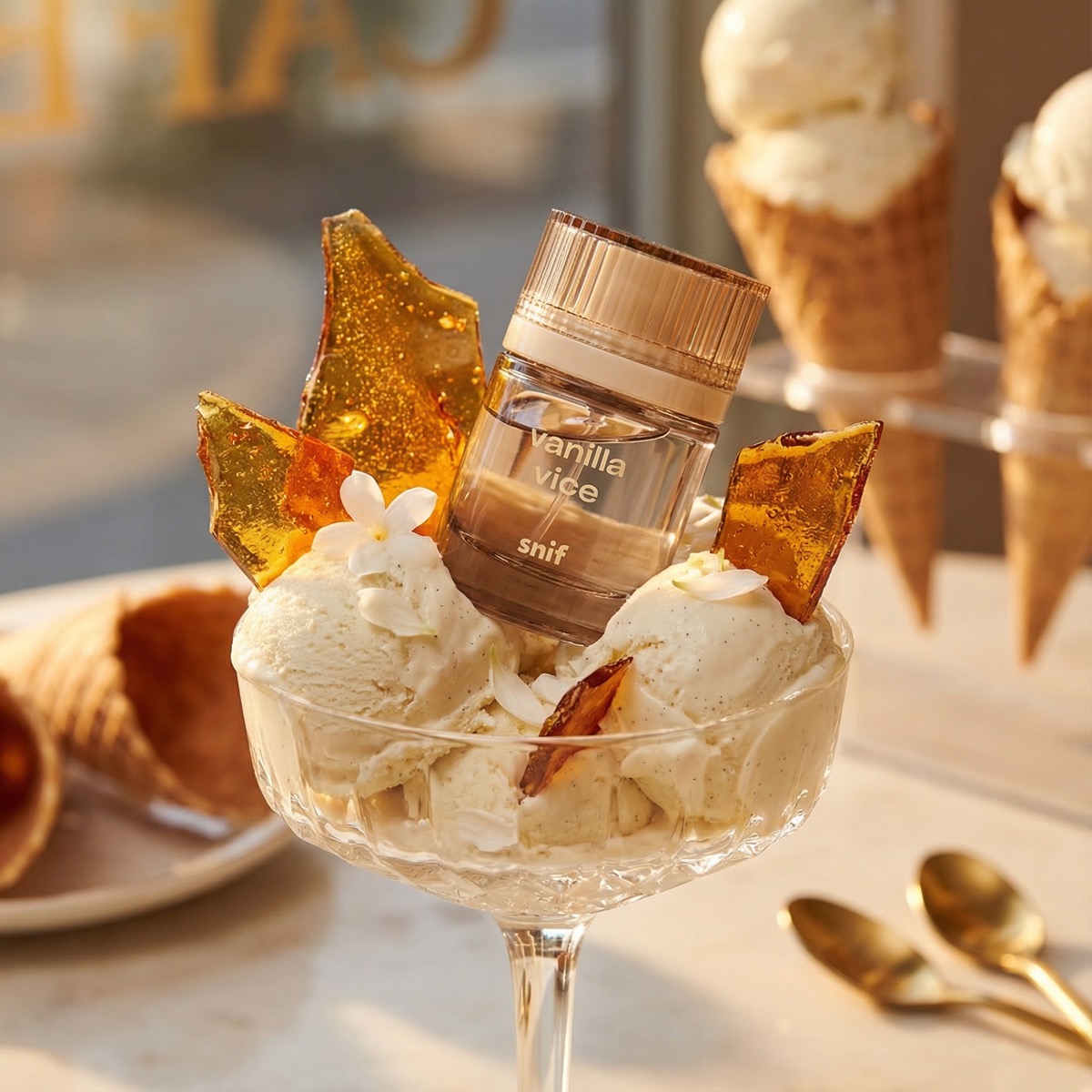
Product shot — perfume in sundae Product photography
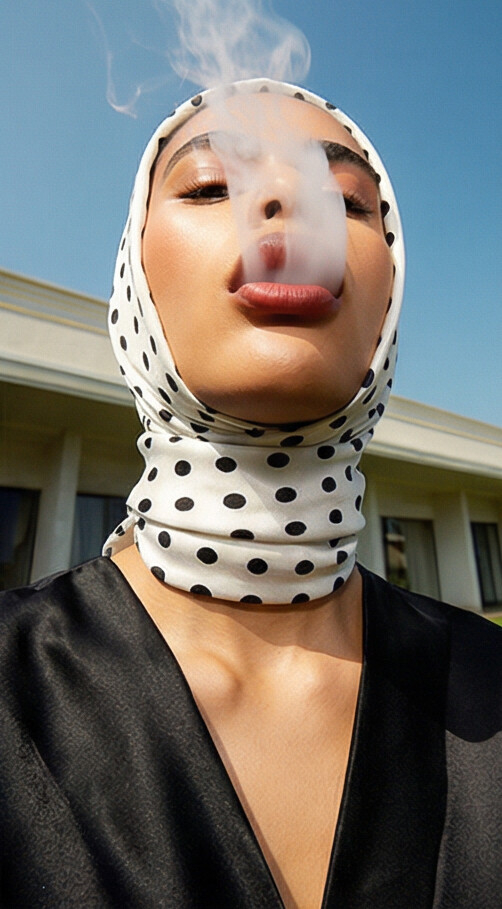
Portrait — polkadot headscarf with smoke Portrait photography
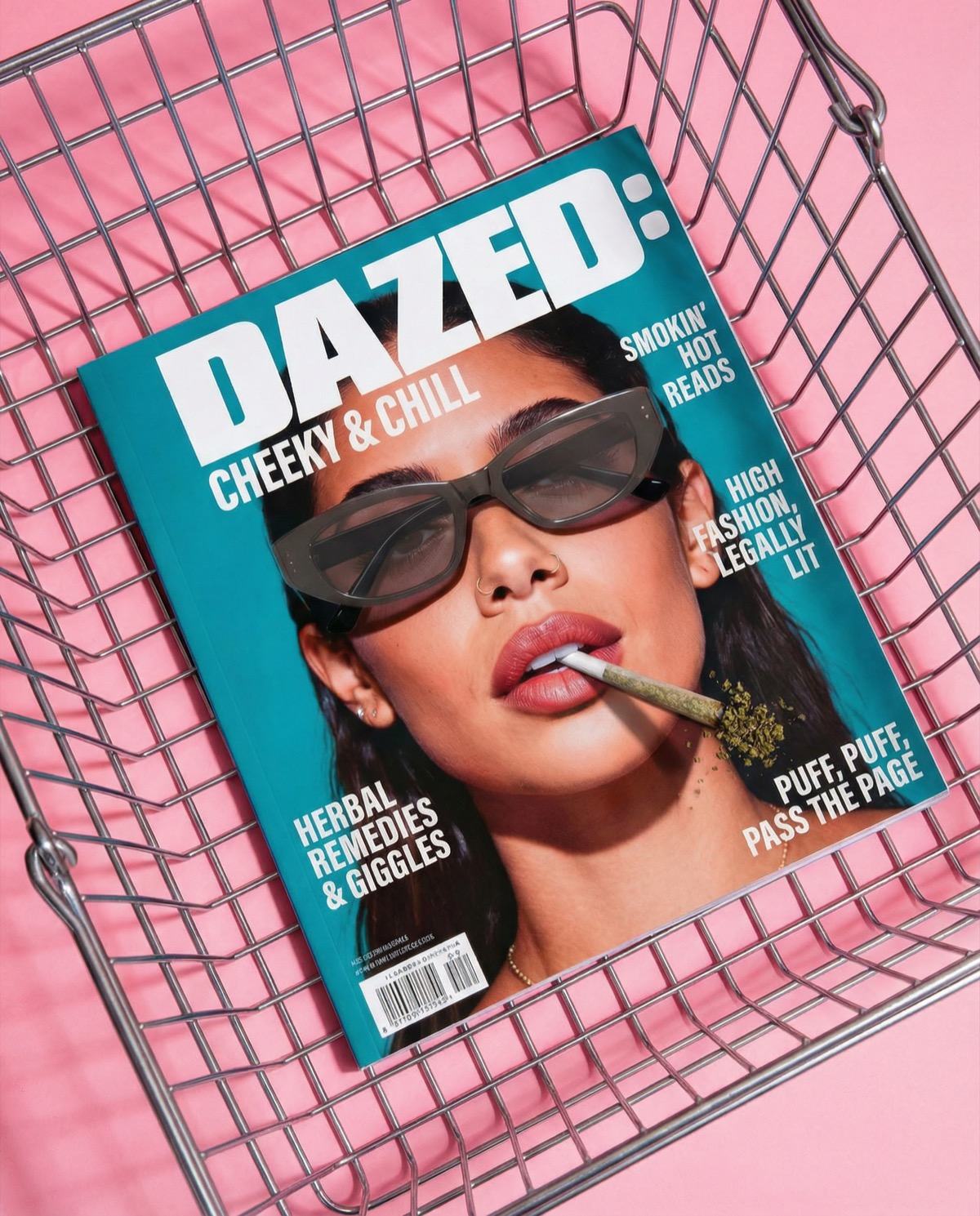
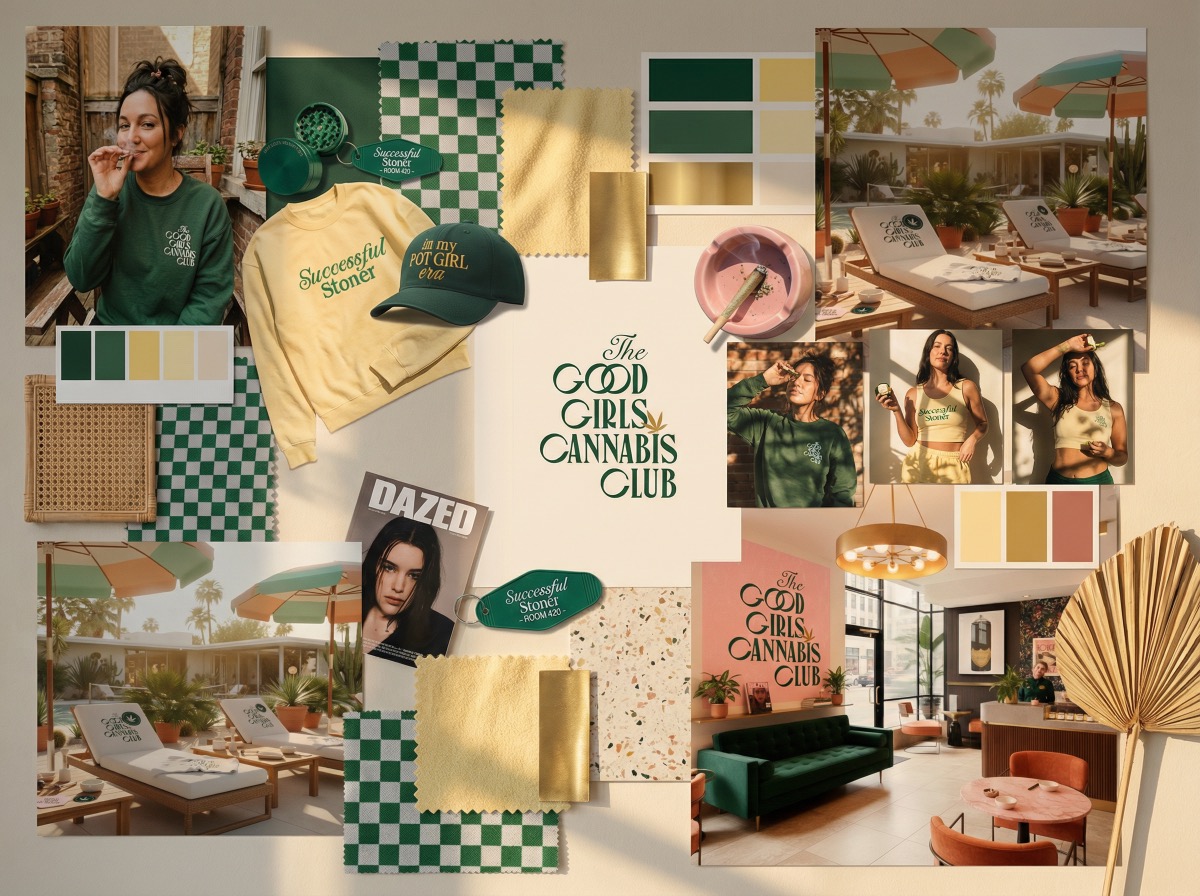
GGCC magazine mockup Magazine mockup
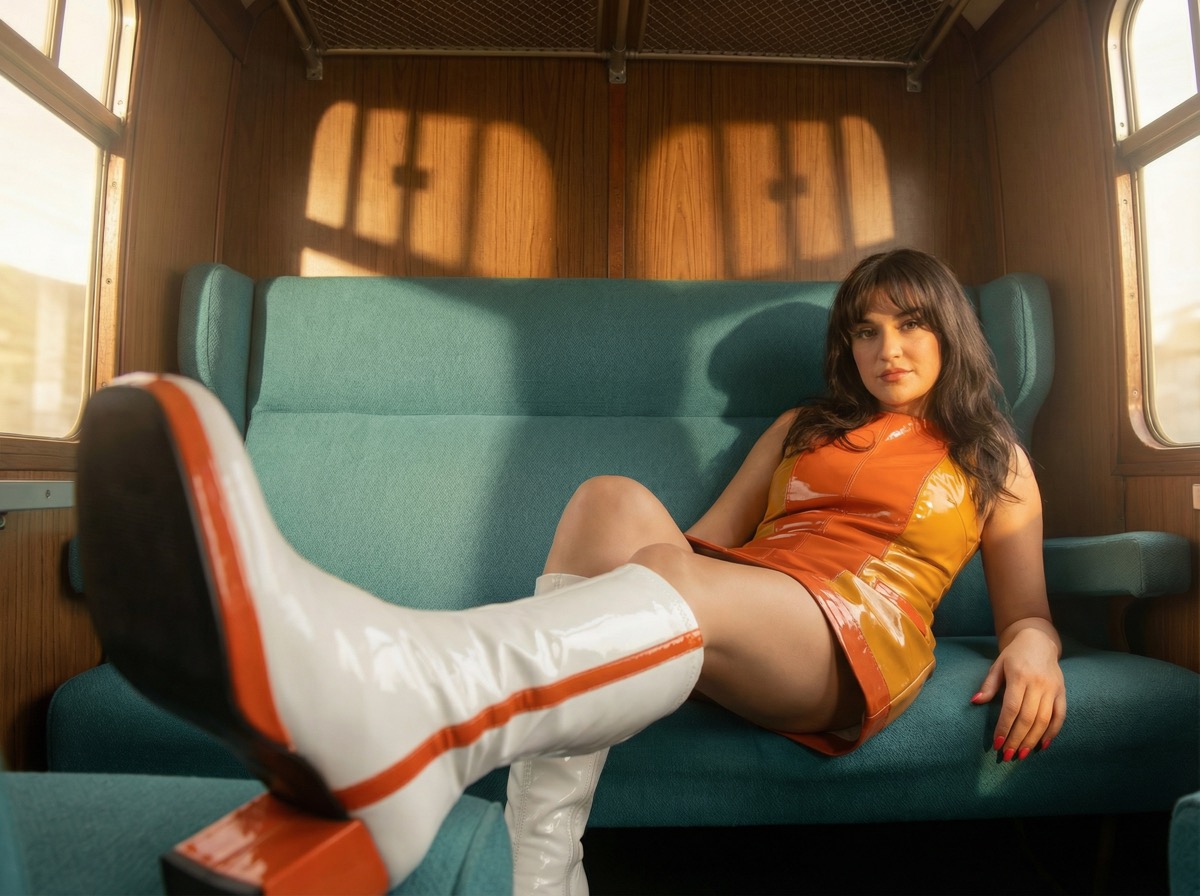
Retro train fashion editorial Fashion editorial
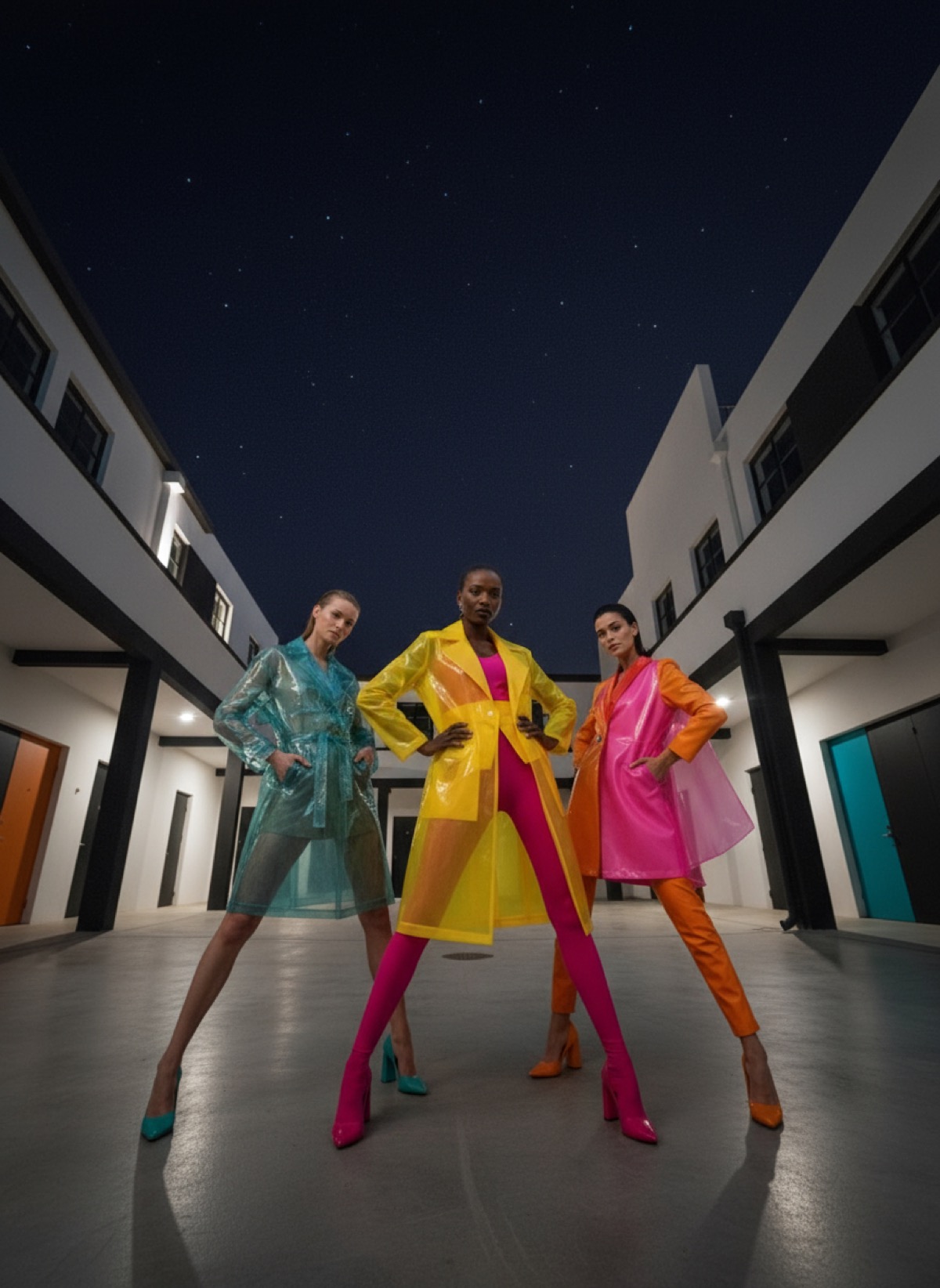
Three models in neon raincoats Fashion photography
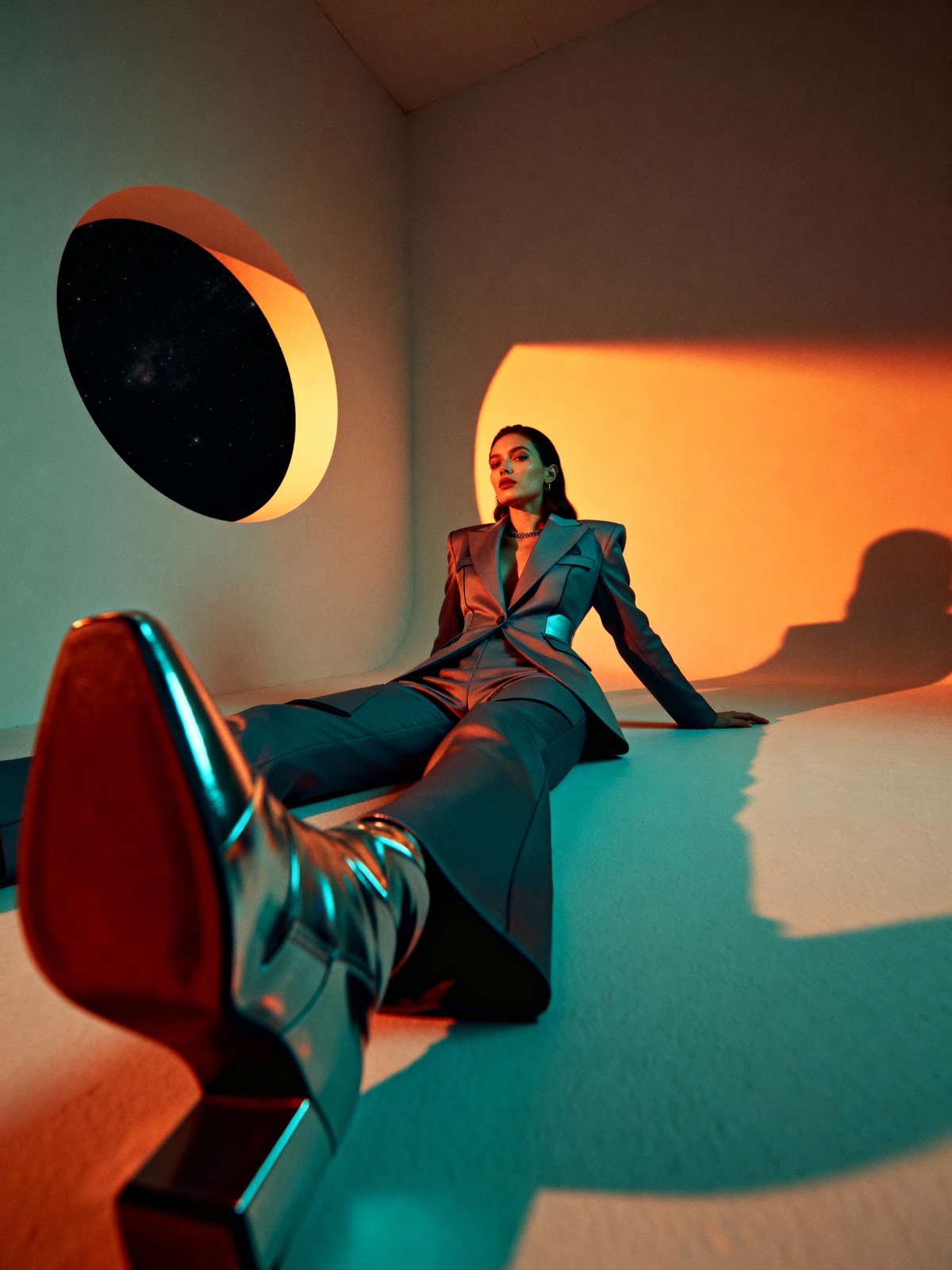
Dramatic suit editorial Campaign editorial
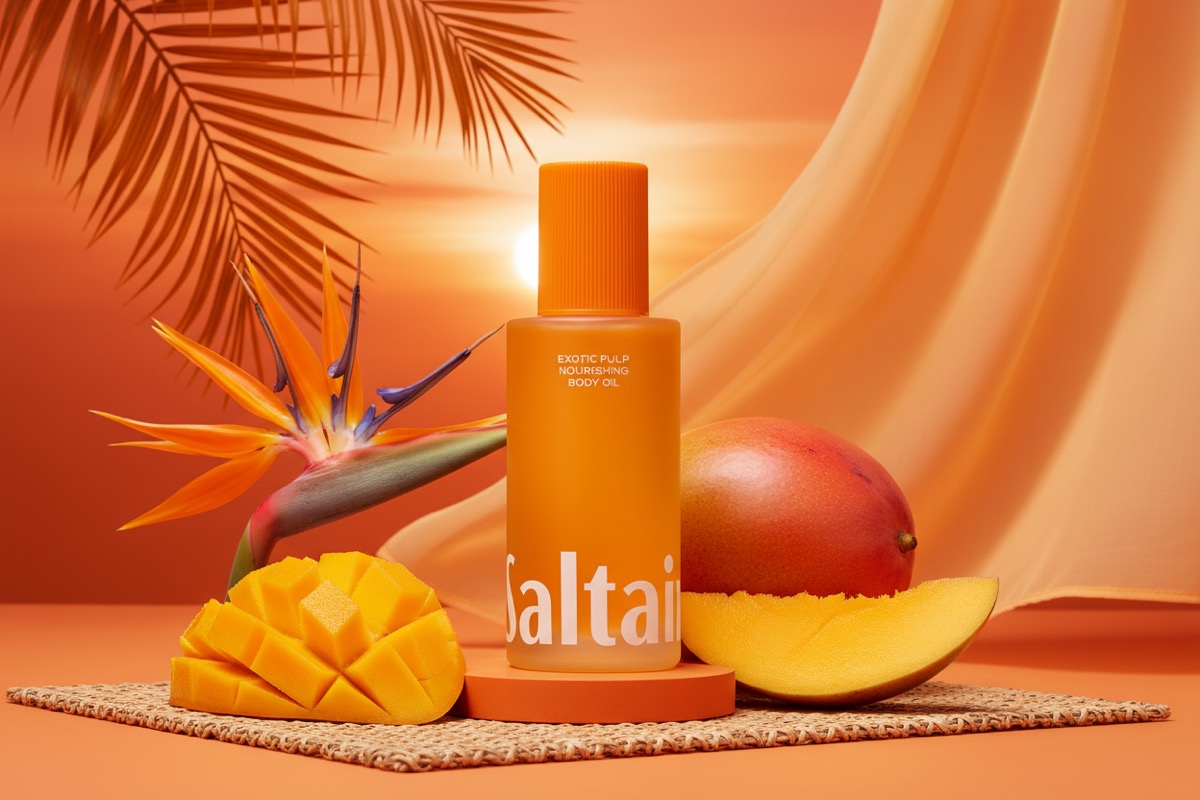
Product shot — body oil with mango Product styling
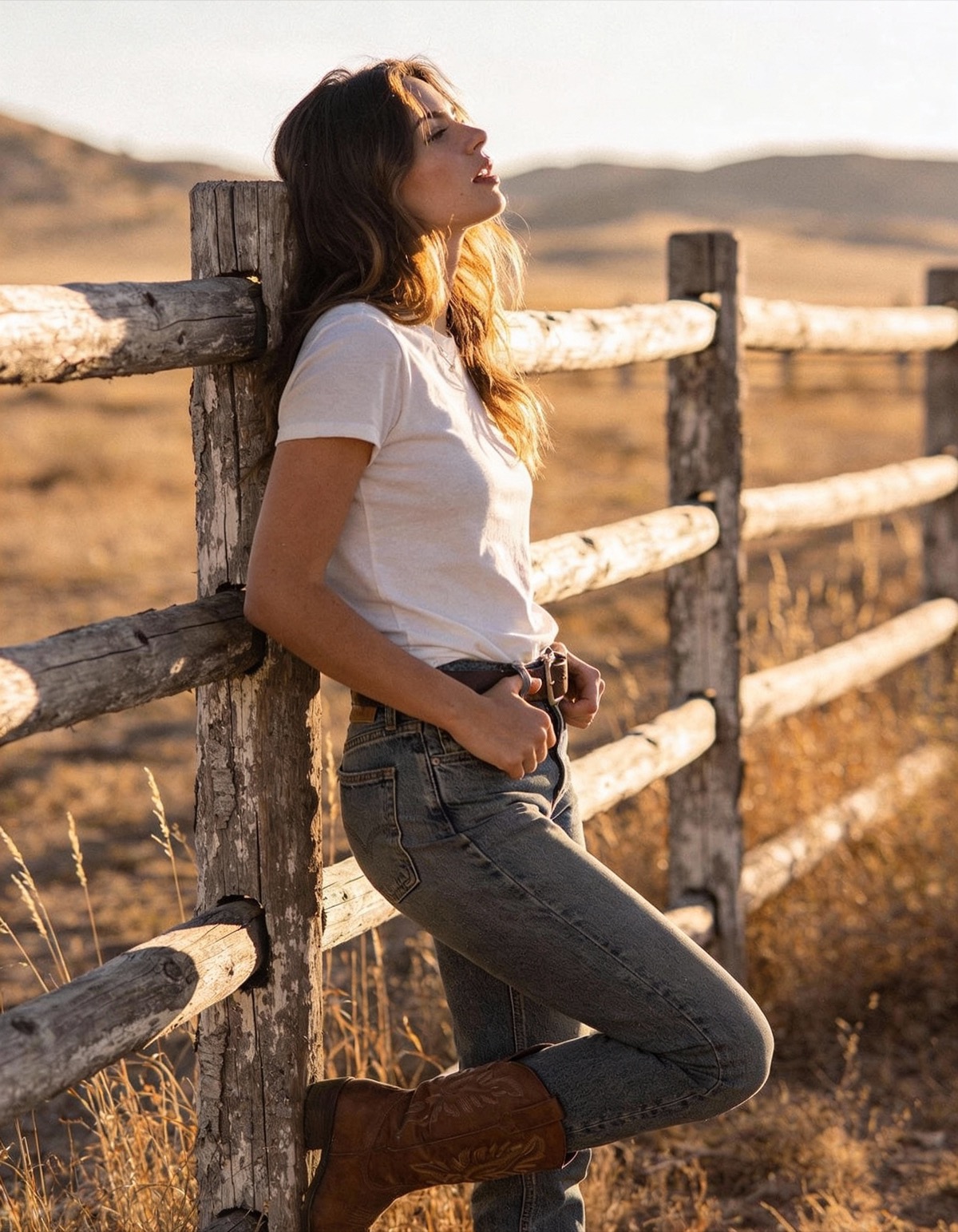
35mm golden hour ranch lifestyle Lifestyle photography
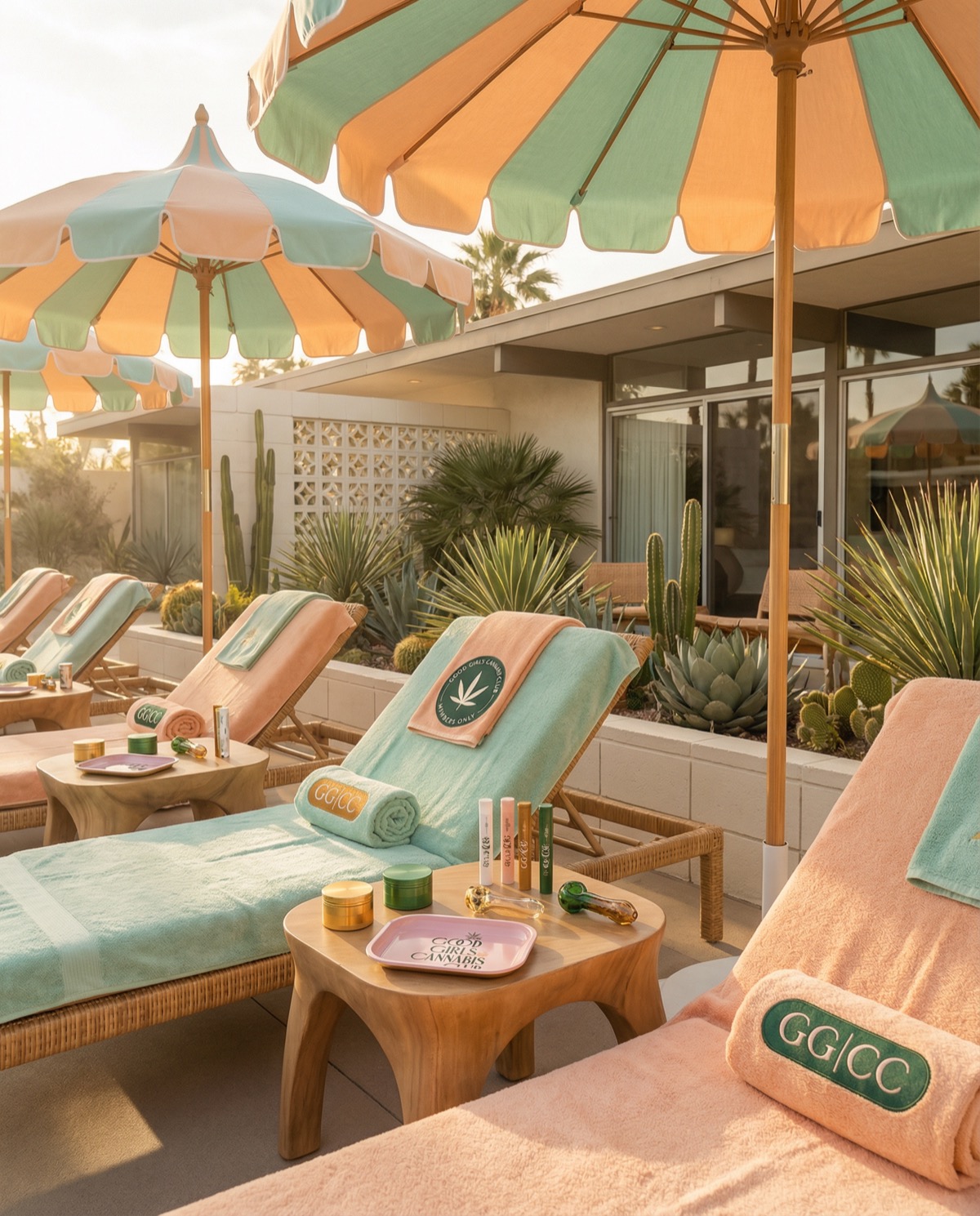
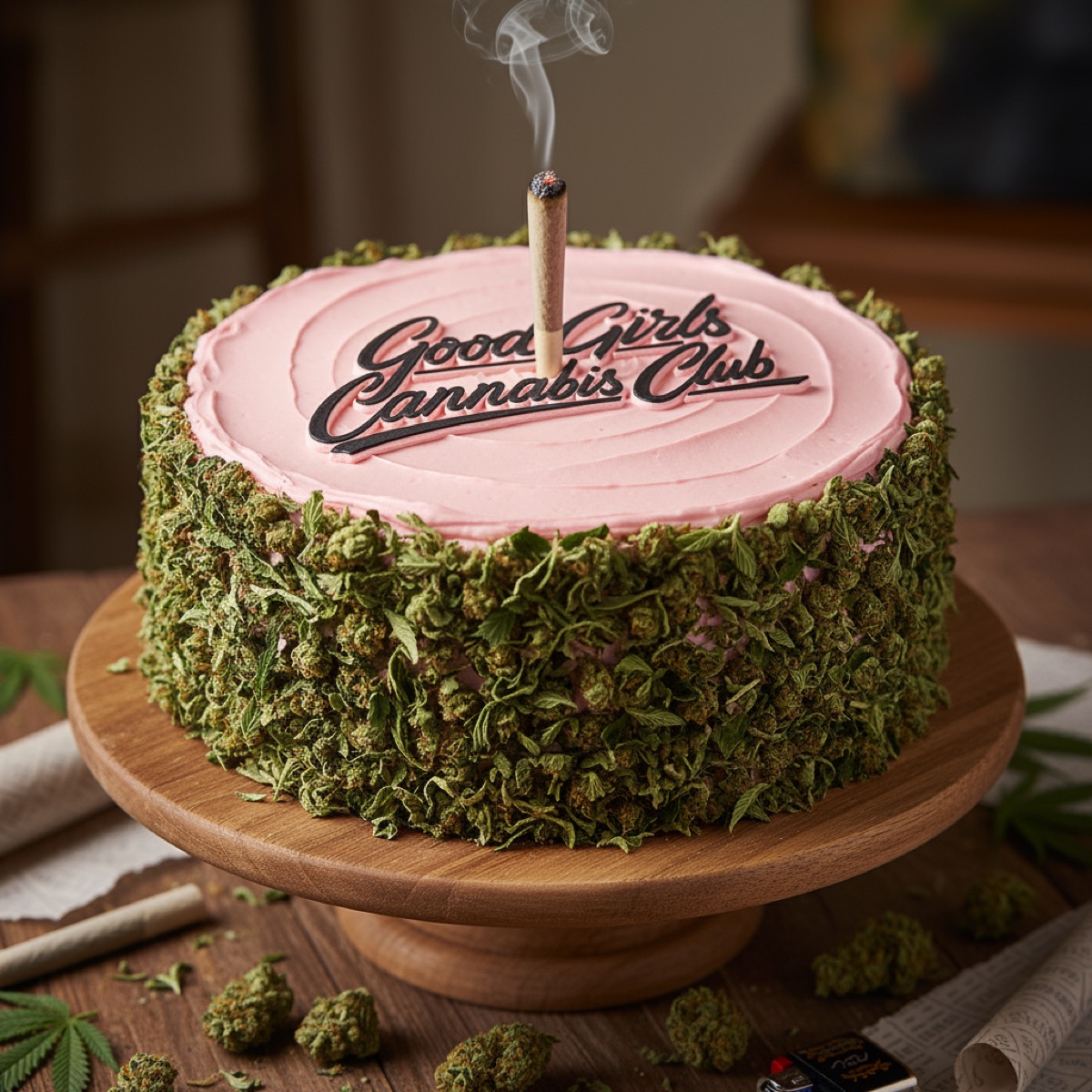
GGCC branded poolside lounge Brand world-building
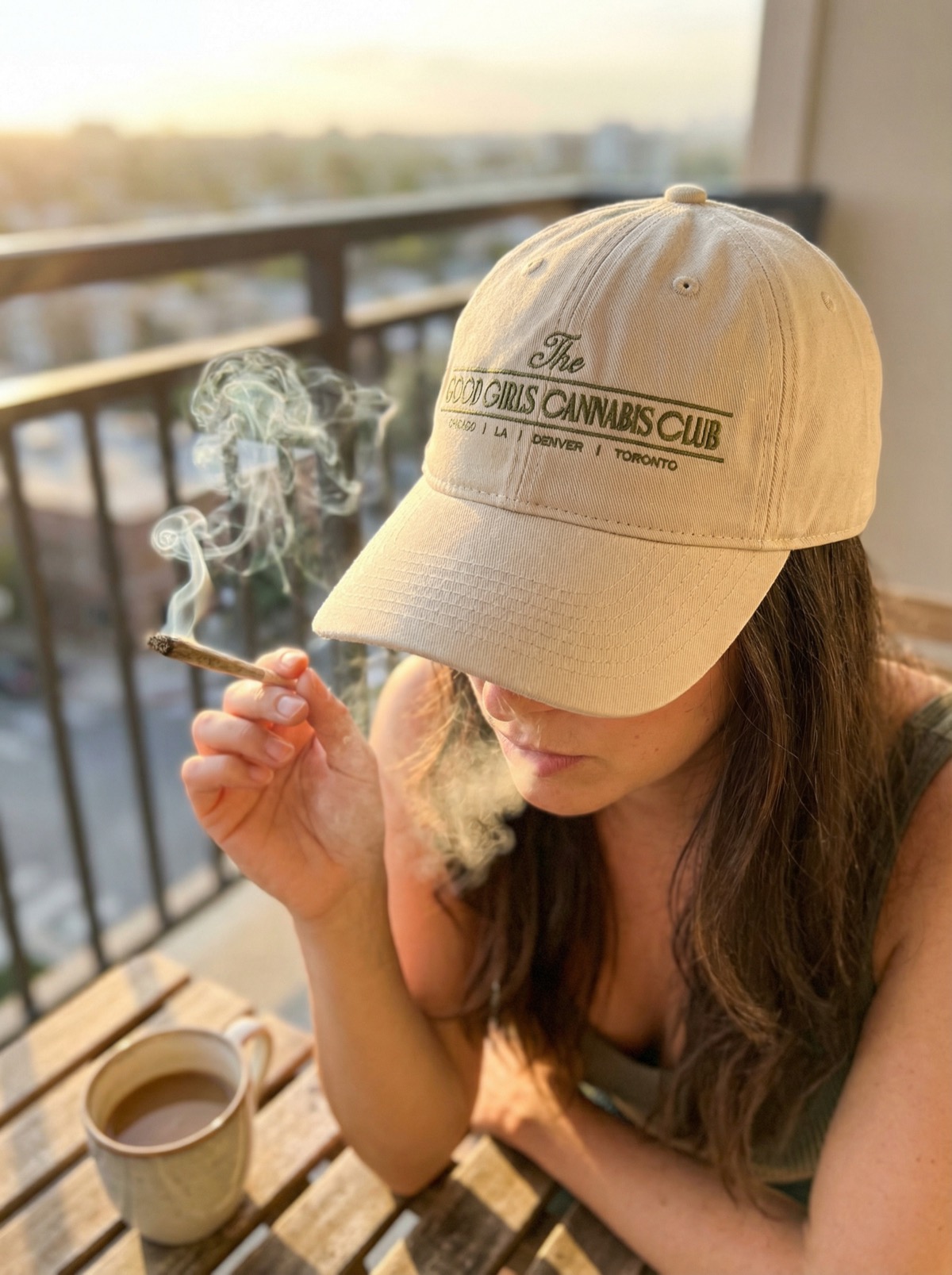
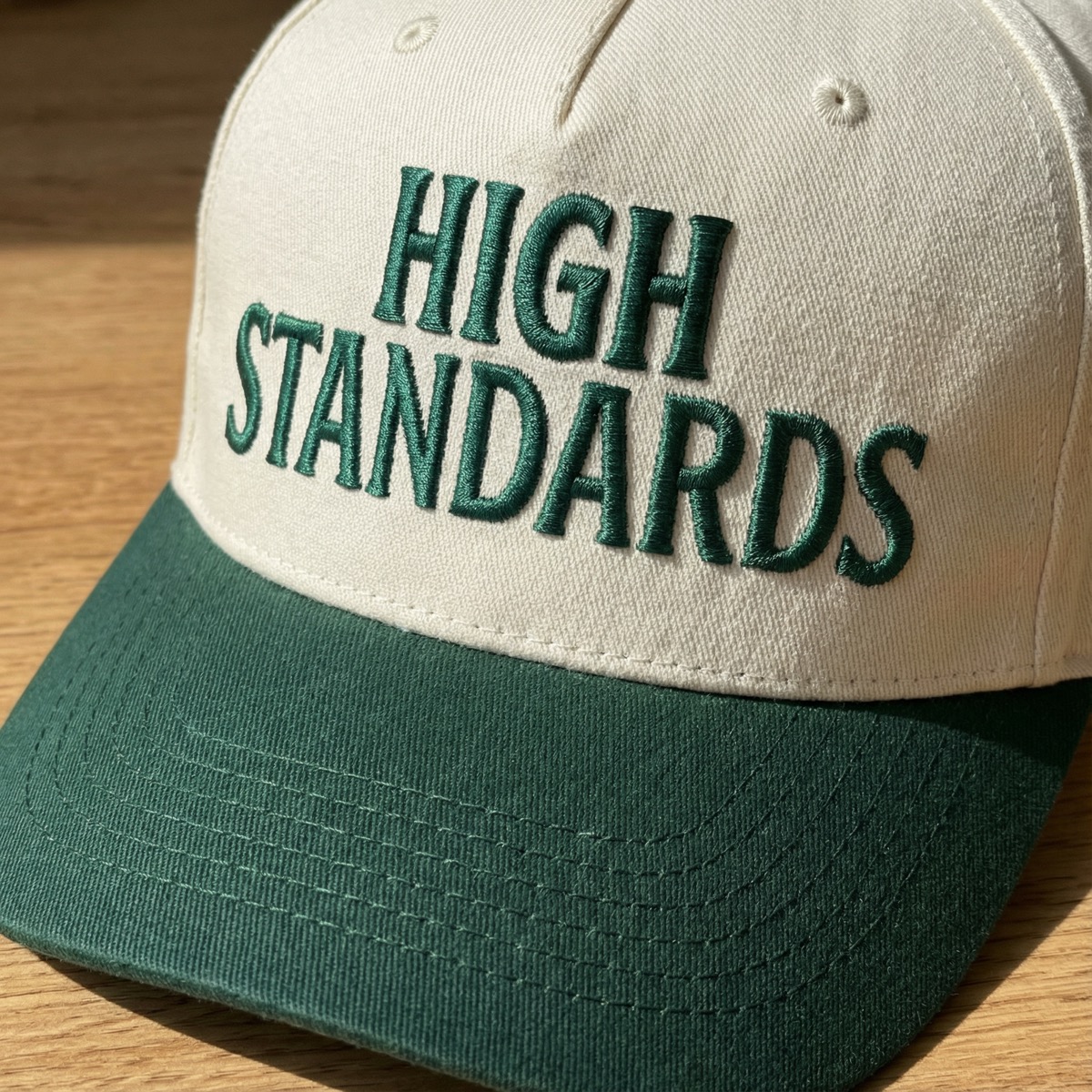
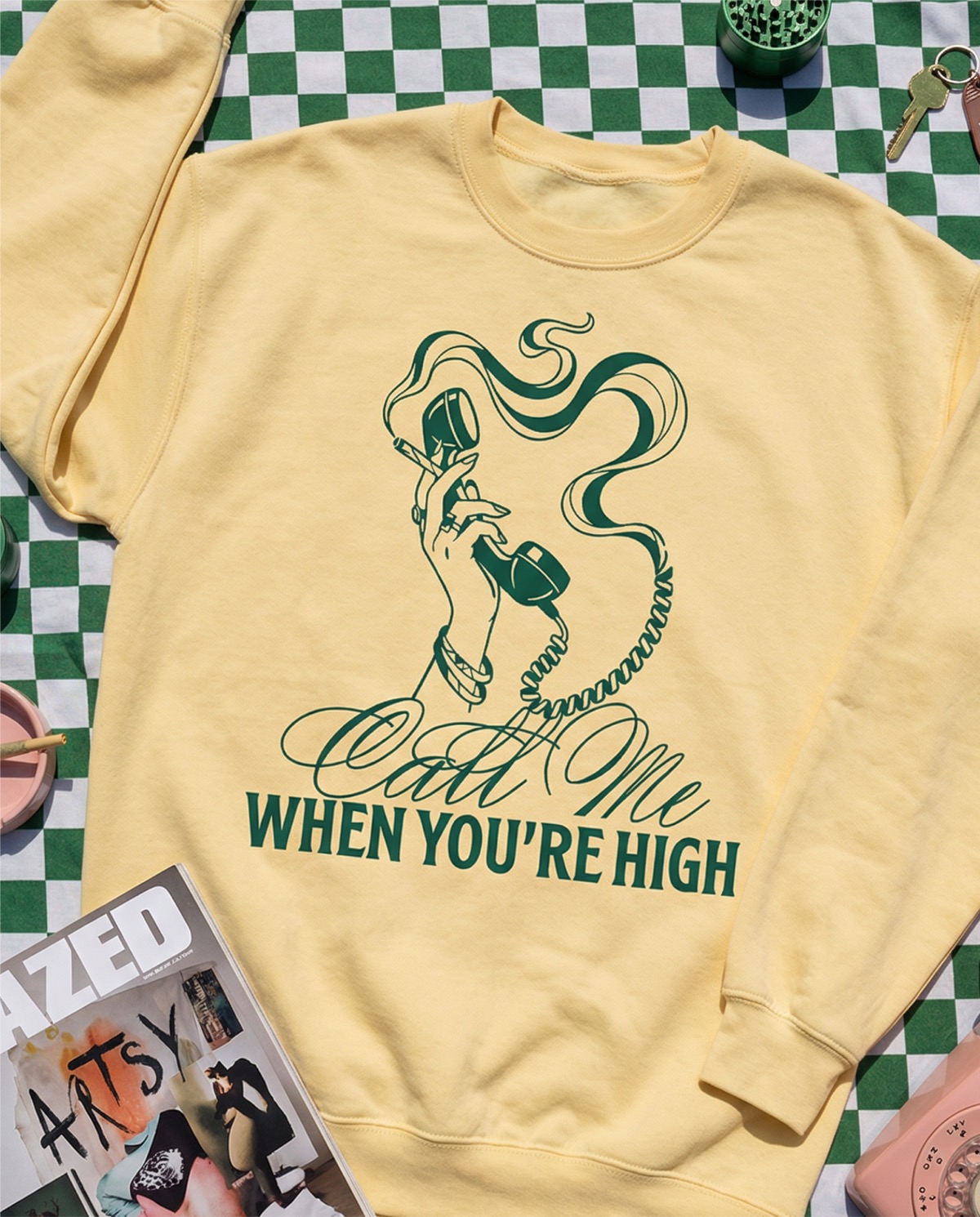
GGCC branded hat with smoking joint Brand mockup
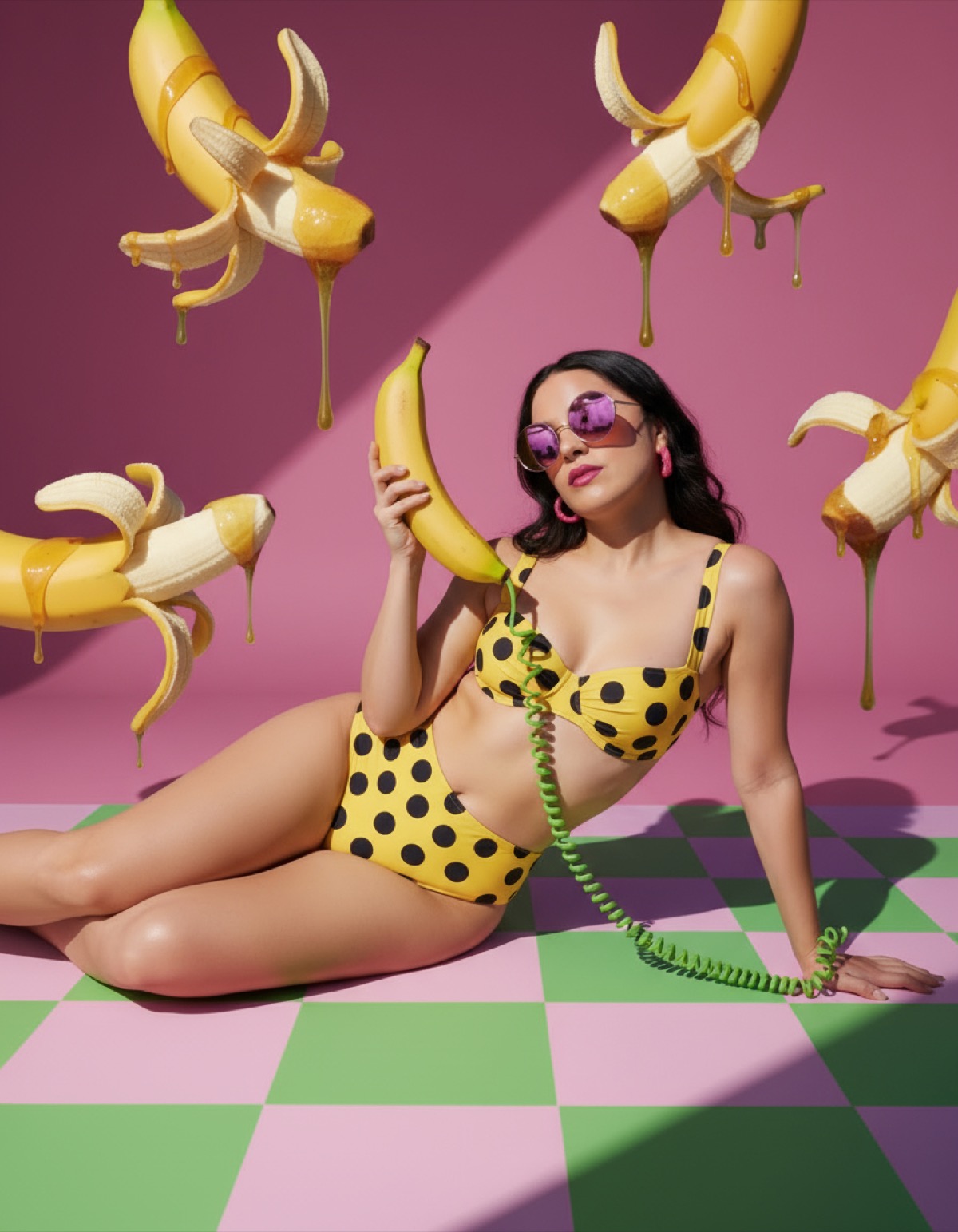
Surreal banana phone Surreal product shot
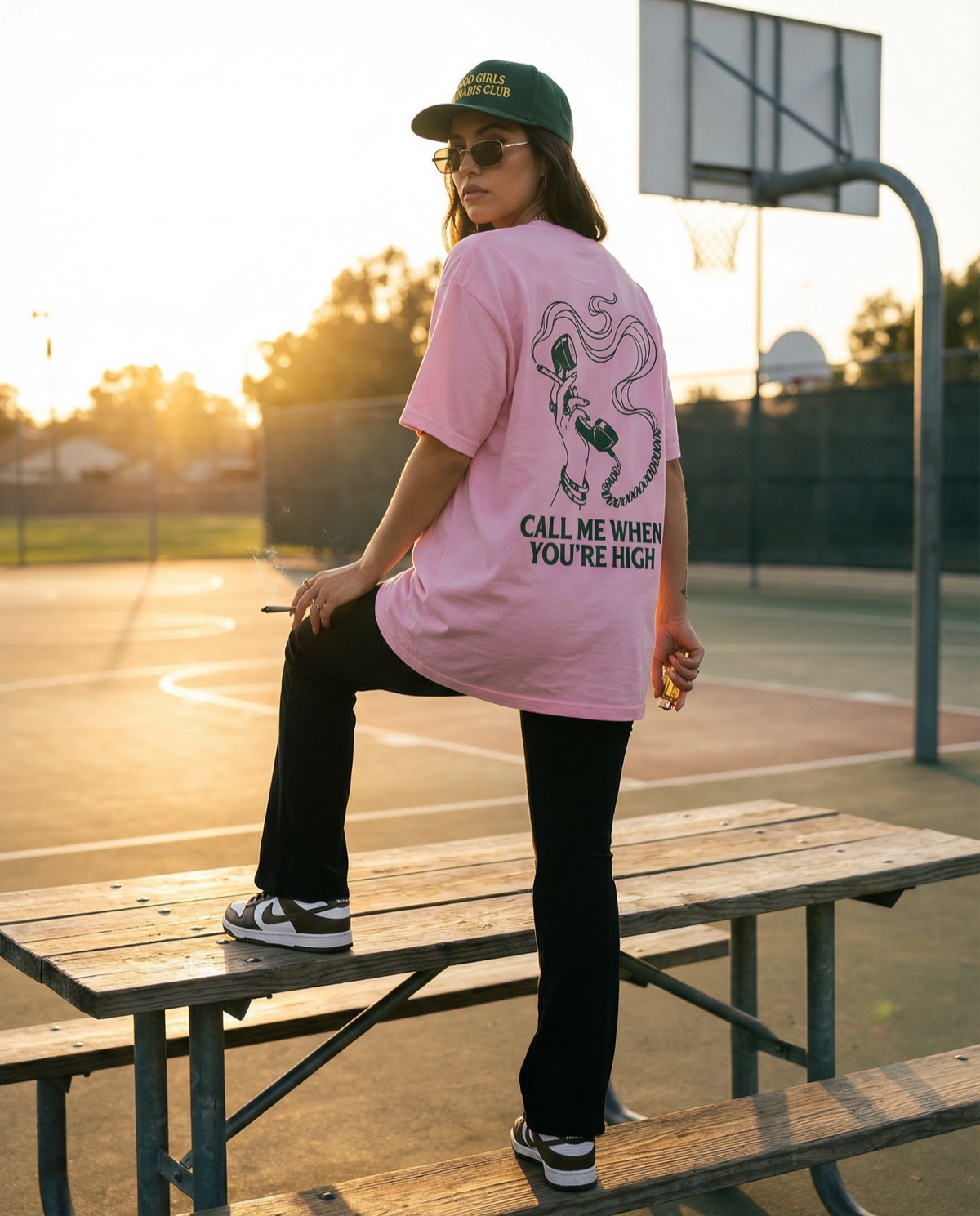
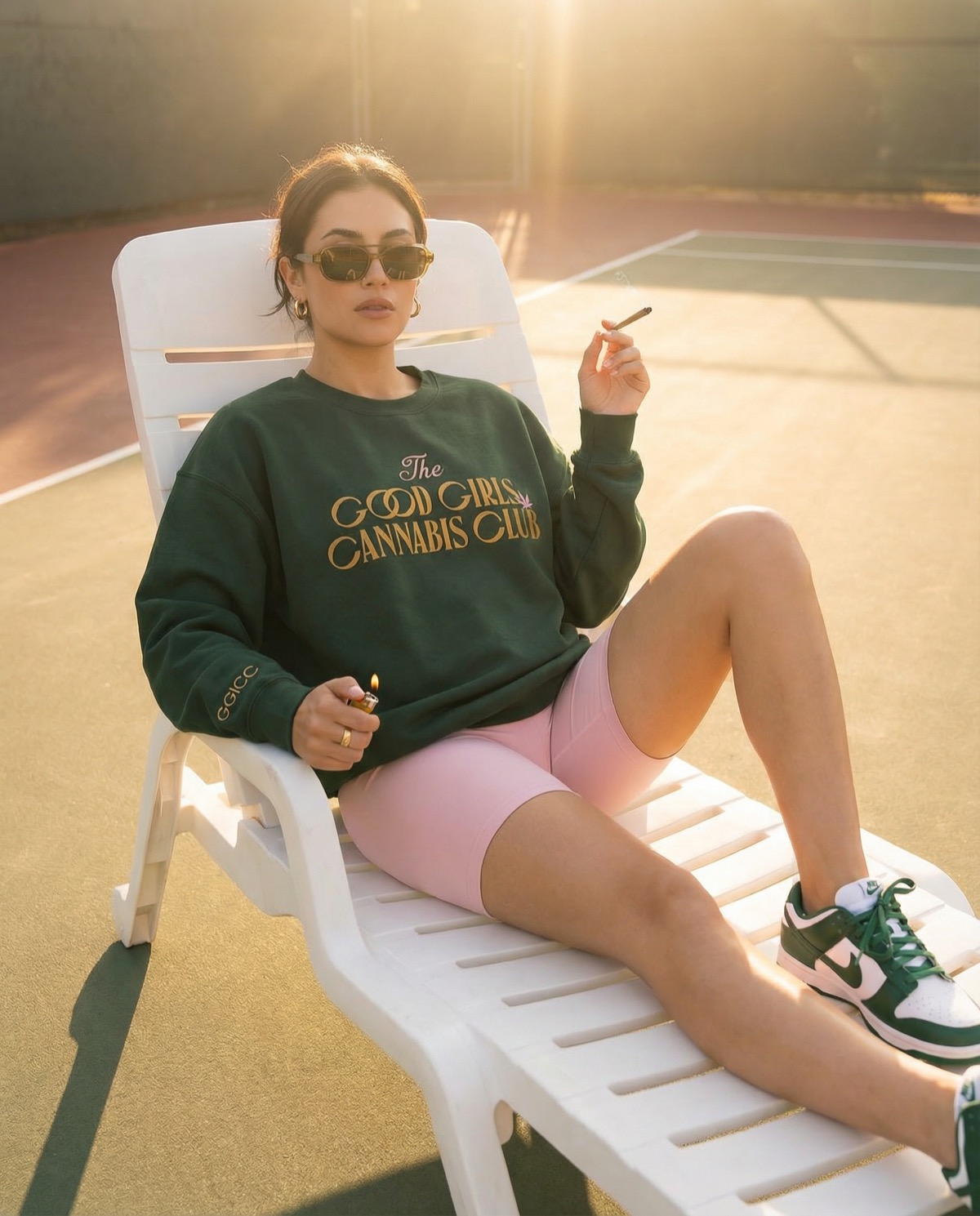
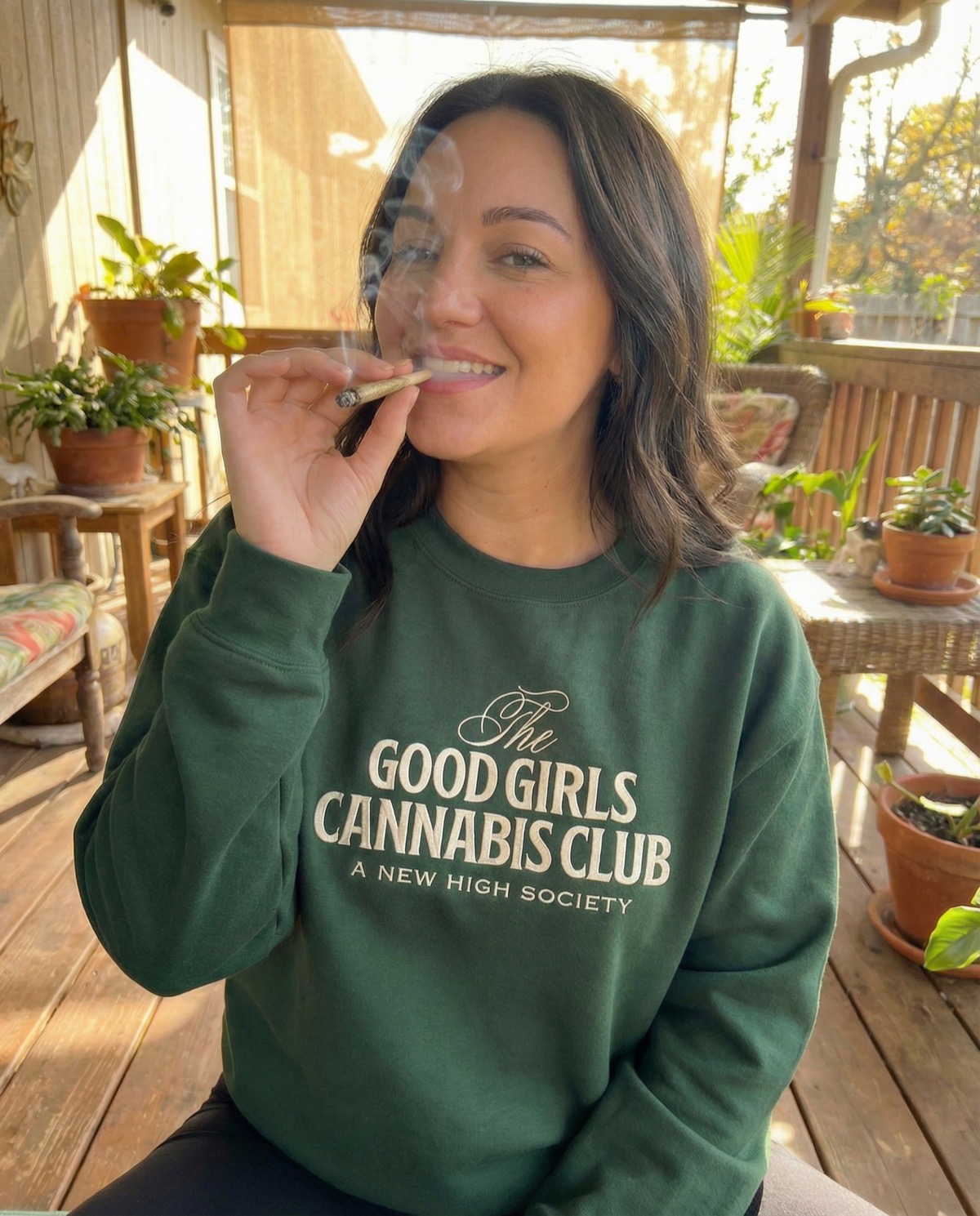
Woman in GGCC crewneck on porch Brand lifestyle
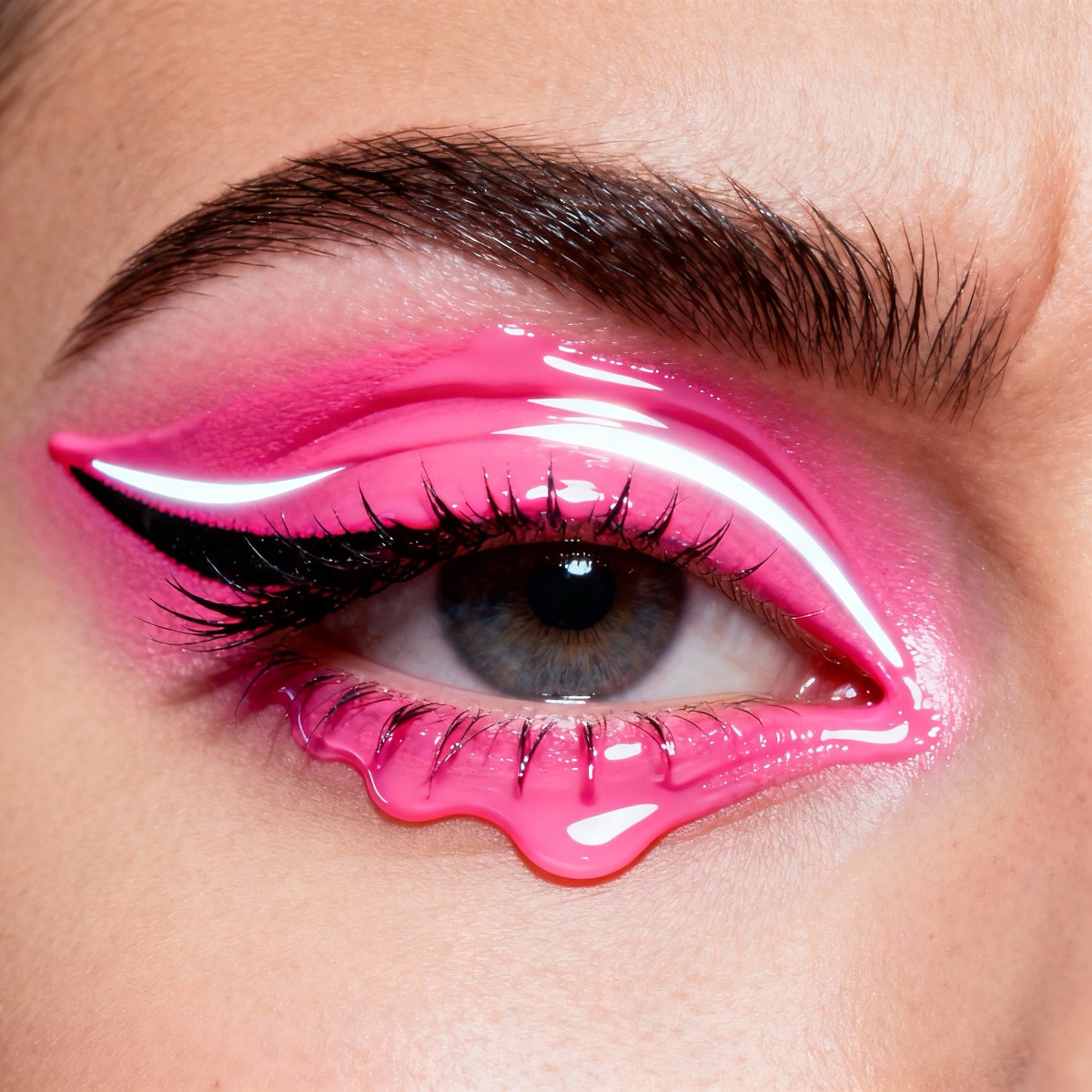
Beauty closeup — pink drip eye Beauty closeup
Underwater portrait Underwater portrait
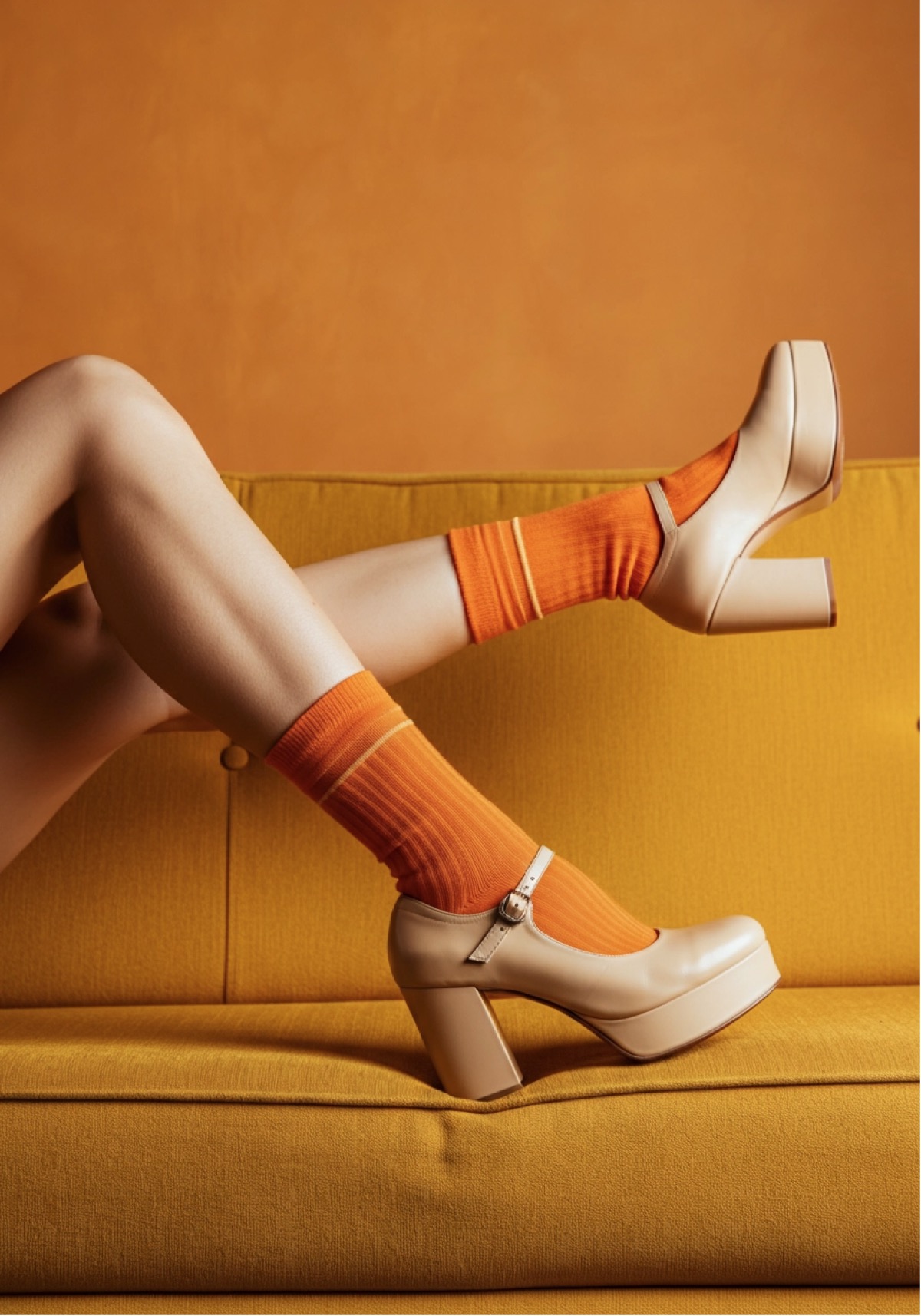
Retro orange heels on mustard sofa Fashion styling
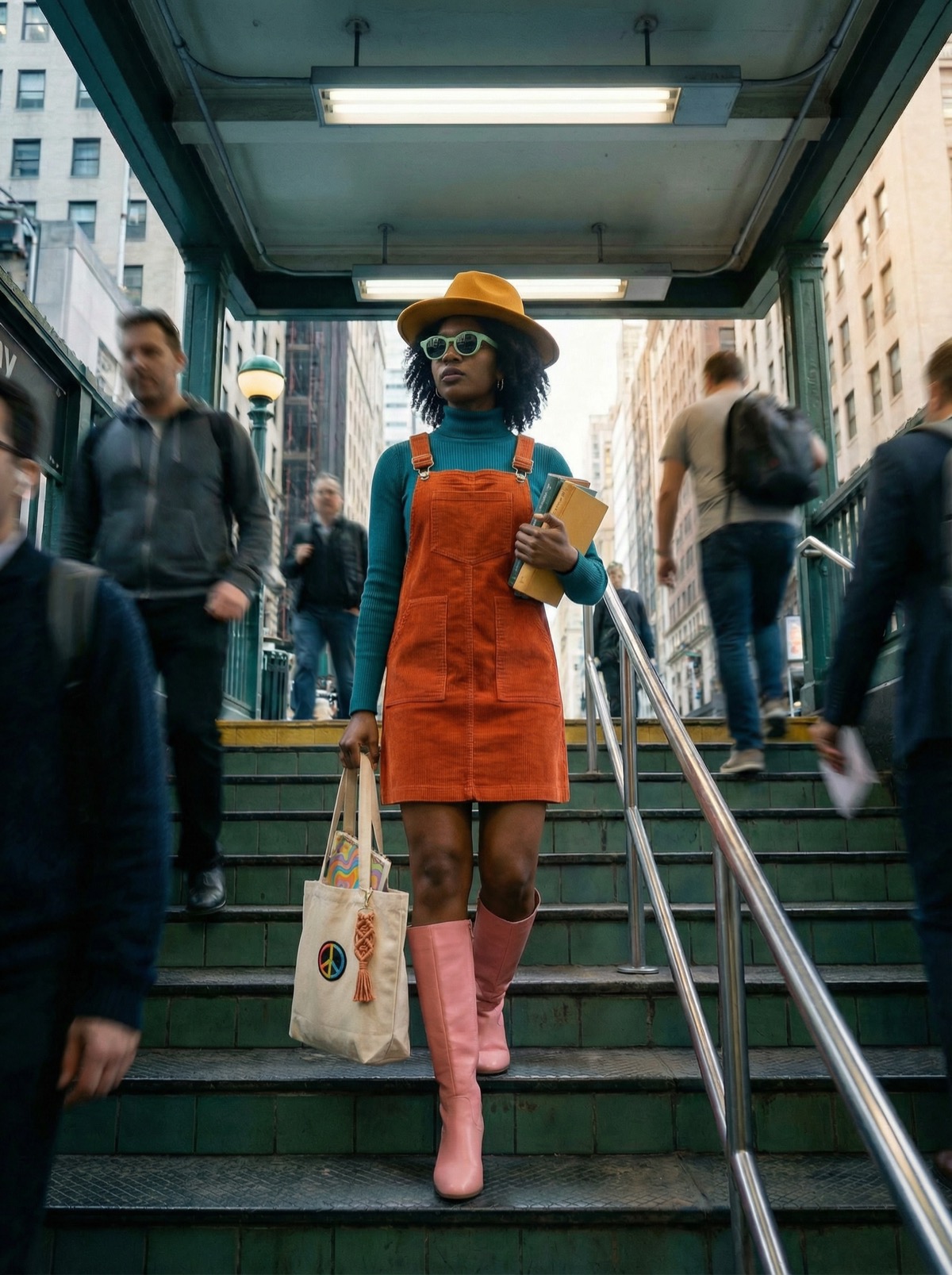
Street style — woman with bag Street style
Fashion — orange dress with shadow Fashion editorial
AI-generated fashion editorial

This is you, isn't it.

You've got the vision. You've got the taste. What you don't have is a production team, a budget, or the patience for one more round of revisions.

  • You dropped $4K on a shoot and the photos came back looking like almost what you asked for. Almost.
  • You've said "think Glossier meets Wes Anderson" to a client and watched the light leave their eyes.
  • You're an entire creative department in a trench coat pretending to be one person. With coffee. And Figma. And a slowly disintegrating will to live.
  • You've opened Midjourney, typed something reasonable, gotten six-fingered nightmare fuel, and quietly closed the tab.
  • You keep hearing "AI is the future" but every image you've seen from it looks like it was art directed by someone who's never been to a museum.

Good news: AI can actually keep up with your taste. This course is the proof.
If you've ever said "I'll know it when I see it" — hi, welcome.

01
Brand & Packaging Designers
Stop pitching decks full of "imagine this but better." Just show them.
02
Art Directors & Creative Directors
Make the concept deck look like the final shoot. Before the shoot.
03
Solo Creatives & Freelancers
You are the team. AI is the intern that actually gets it.
04
Product & Fashion Designers
Visualize the thing before the thing exists. Wild concept, I know.
05
In-House Creative Teams
"We need 47 assets by Friday." Now you can actually say yes.
06
Content Creators & Social Leads
Feed the content beast without feeding it your entire soul.

Fair warning:
This course doesn't teach you taste. What it will teach you is a way to visualize and produce at a level your brain has been operating at this whole time.

After 10 hours, here's what changes.

What's inside.

10+
Hours
25
Lessons
11
Modules
Getting Set Up
01
Getting Set Up
01
Getting Set Up
Freepik plans, credits, and how the interface actually works. Which plan is worth it, how credits burn, and the settings most people miss.
The Image Generator
02
The Image Generator
02
The Image Generator
How to actually drive the machine. Prompt input, aspect ratios, seed control, negative prompts, and the full prompt-to-export pipeline.
Image Models Deep Dive
03
Image Models Deep Dive
03
Image Models Deep Dive
Flux, Mystic, Freepik's own models — what each one's good at, where they fall apart, and when to use which. Side-by-side comparisons.
Reference Images
04
Reference Images
04
Reference Images
Upload your own photos, mood boards, or brand assets to steer the AI. Which models handle references best and how to prompt alongside them.
The 7 Pillar Prompt Framework
05
The 7 Pillar Prompt Framework
05
The 7 Pillar Prompt Framework
The framework Lauren deVane uses for 90% of her prompts. It's what Prompty Poppins is trained on — and it'll change how you talk to every AI image tool, forever.
Image Editing & Retouching
06
Image Editing & Retouching
06
Image Editing & Retouching
Swap backgrounds, change lighting, remove objects — all without Photoshop. Inpainting, outpainting, and retouching tools that actually work.
Restyling
07
Restyling
07
Restyling
Same composition, new universe. Restyle anything as an oil painting, 3D render, embroidered textile, tarot card, or sticker pack.
Upscaling & Skin Enhancer
08
Upscaling & Skin Enhancer
08
Upscaling & Skin Enhancer
Make images print-ready and Instagram-sharp. Every upscaling mode, when to use Skin Enhancer, and exact export settings for web and print.
Templates & Organization
09
Templates & Organization
09
Templates & Organization
Build reusable prompt templates for clients, products, and people. Save reference sets and never lose "that image from three weeks ago."
Spaces & Batch Generation
10
Spaces & Batch Generation
10
Spaces & Batch Generation
Freepik's most powerful tool. Build visual pipelines, AI-written prompts, and batch generate entire campaigns at scale.
Applied Projects
11
Applied Projects
11
Applied Projects
Product photography, fashion editorials, mood boards, mockups, seamless patterns. Real outputs built like a creative director would build them.
Lauren deVane — Your AI Auntie

Hi, I'm Lo.

Former Creative Director at Ulta Beauty. Founder of Bemused Studio. The internet's AI Auntie.

I spent years directing shoots, managing campaigns, and fighting for budgets inside big creative teams. Then I went solo and realized: oh, I have to do all of that myself now. Cool. Cool cool cool.

AI image generation didn't replace my creative instincts — it gave me a production studio that could finally keep up with them. Turns out the bottleneck was never my ideas. It was the twelve-person crew I couldn't afford.

Fauxtography is the course I wish someone had made before I spent six months figuring all this out the hard way.

Real results from real creative pros.

Every course of yours I've taken has been 🔥. The upscaling module, the skin enhancer, the mockups module — literally every module I watch leaves my jaw on the floor. Everyone needs this course.

FoF Student
Creative Professional

TL;DR — It ROCKS! This is my 3rd paid course with you. Your courses over-deliver on every level.

FoF Student
Repeat Student

FOF gave me clear direction on how to develop industry-level AI generated content. The blend of creative development and AI is unlike anything else out there. I feel confident in Freepik now, I'm building AI stock sets for clients, and the prompt library and moodboard generation lesson alone were worth it.

Serita G.
Creative Professional

Foundations of Fauxtography

$497

or 2 payments of $250

10+
Hours of video
25
Modules
2x
Monthly office hours
Prompt library access

The things you're about to ask me in my DMs.

So I'm saving us both the time.

Lo
Lauren deVane
your AI auntie · Active now

tap a question to get my answer

Do I need to already know Freepik?
Not even a little bit. We start from "what is this interface" and get you generating real images by the end of the first module. You'll be fine.
Read
Is this self-paced or live?
Self-paced. Watch on your own time, at your own speed. But we also do two office hours sessions per month where you can bring questions, get unstuck, and hear about whatever just changed in the AI visual space since last time. Because something always changed.
Read
How is the course delivered?
Video lessons with written cliffnotes for each one. You watch everything inside the Skool classroom — no downloads, no offline viewing. Just log in and go.
Read
How long do I have access?
One year. AI moves fast — like, embarrassingly fast — and I can't promise content stays current beyond that. I'll be updating lessons as things change, but I'm not committing to maintaining a course in perpetuity. You get a year. Use it.
Read
I'm not super technical. Will I be able to follow along?
I built this for creative brains, not tech brains. If you can drag and drop in Canva, you can do this. There is zero code, zero terminal, zero "deploy your model." I promise.
Read
Do I need a paid Freepik plan?
Recommended, yeah. I break down every plan in the course so you're not guessing which one to pick. It's way less confusing than their pricing page makes it look.
Read
What's the investment?
$497 one-time, or two payments of $250. And no, there are no refunds — due to the nature of digital products, all sales are final. So read this whole page, check out the curriculum, and make sure it's for you before you hit that button.
Read
What does Freepik cost on top of this?
Depends on the plan you choose. I break down every option in the course so you're not squinting at their pricing page trying to figure out which tier actually makes sense.
Read
Can I use the images I make commercially?
Yes — as long as you own the rights to any reference images you feed the AI. One thing to know: you currently cannot copyright images made entirely with AI.
If your human creative input is a meaningful part of the process, you may be eligible for protection — but copyright doesn't mean "not usable." There are so many applications for AI imagery that don't need copyright protection. Don't let that stop you.
Read
How fast will I be making cool stuff?
Faster than you think. You can start generating real, usable images after just a couple of lessons. The "holy crap I made that" moment comes early.
Read
Will this work for my industry?
Yes. I don't care if you're in fashion, food, real estate, cannabis, skincare, or interpretive dance. If your work involves visuals, this applies.
Read
I already use Midjourney / Adobe Firefly. Is this still relevant?
100%. Freepik is an image aggregator — it gives you access to all the top models except Midjourney (they don't have an API). Plus, Midjourney isn't great with text rendering, image editing, or character consistency for real people the way the models inside Freepik are.
You get more range, more control, and more tools in one place.
Read
What if I don't have great taste yet?
Real talk: this course is a production accelerator, not a taste transplant. You need to bring the creative vision — I teach you how to get it out of your head and onto a screen.
If you're still building your eye, come hang in The Launchpad first. I'll be there.
Read
What kind of support do I get?
Office hours twice a month — you can submit questions ahead of time or ask live on the call. You also get access to The Launchpad, my Skool community, where you'll find other FoF students plus AI-curious creatives all experimenting in this space.
Read
Can I message you directly with questions?
Not outside of office hours, no. But if you post in The Launchpad, I may answer — and so may other students who've already figured out the thing you're stuck on. Community is underrated.
Read
What if the AI tools change after I take this?
They will. A thousand percent they will change. They'll change while you're taking it. They change from the time I'm writing this to the next day.
This is exactly why we have office hours twice a month — to keep you current. I'll also be updating lessons when they need it.
Read
Everything I've made with AI looks "AI." Will this be different?
It better be. The models and frameworks I teach you, combined with how we actually work with the tools, should solve that problem.
But taste still matters. You need to be able to look at an image and know what's working and what's not. That's still part of the process.
Read
Is this going to replace photographers?
Not all of them. But some photography will be replaced — that's just the reality.
I actually think photographers should be picking up this skill so they can augment their work with AI imagery. Fauxtography and photography.
Read

Your brain has been the bottleneck long enough. Let's fix that.